Setup NSX Edge Nodes
September 14, 2026 | Homelab, NSX, NSX Edge Nodes, VCF, VCF 9, VMware | No Comments
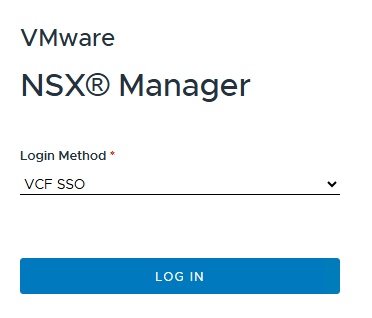
Login to NSX

Go to the System tab
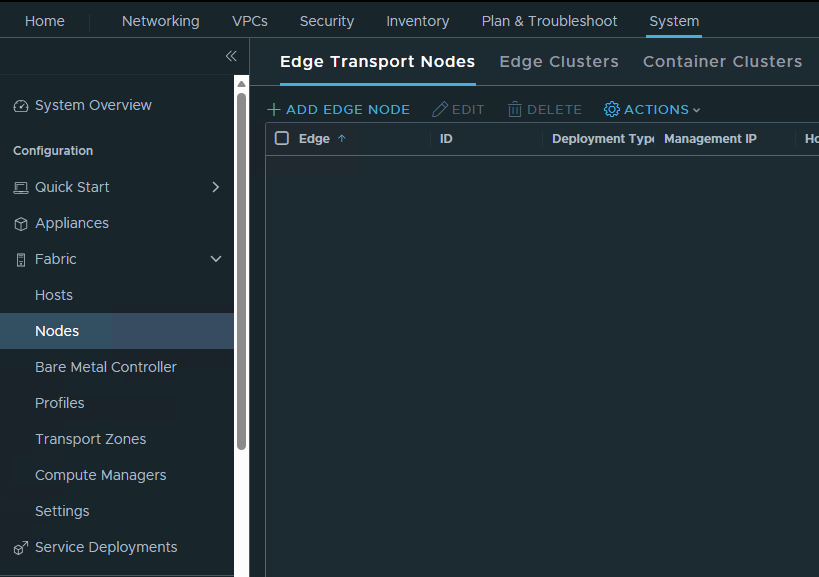
Click on Fabric, Nodes, and then Add Edge Node
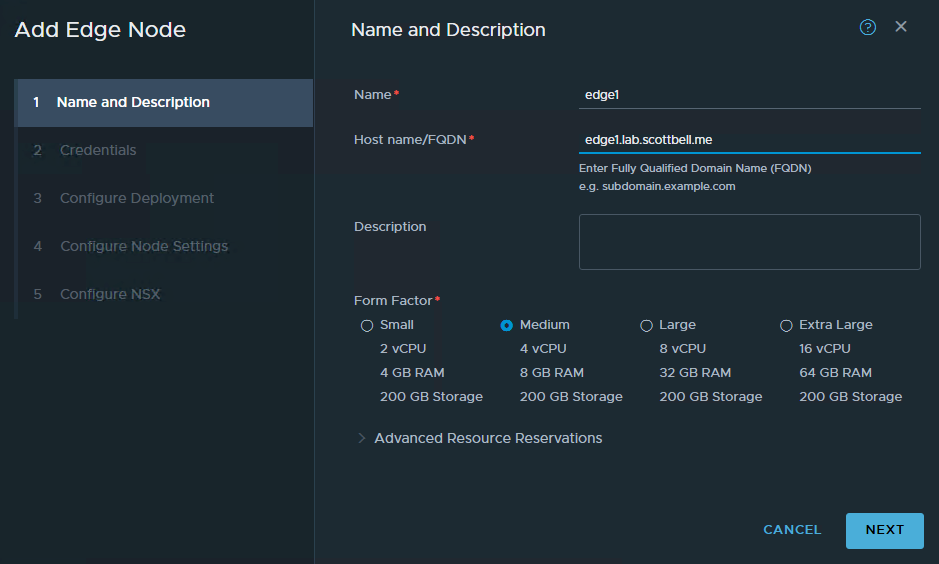
Enter your information and select Next
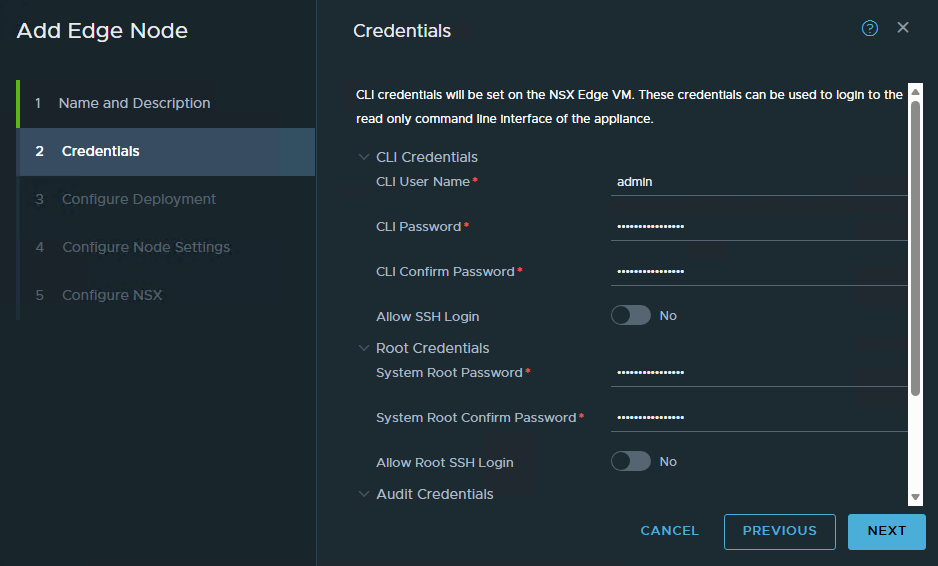
Enter the password information for the accounts. Scroll down to add username and password for the audit account if you wish. Click Next
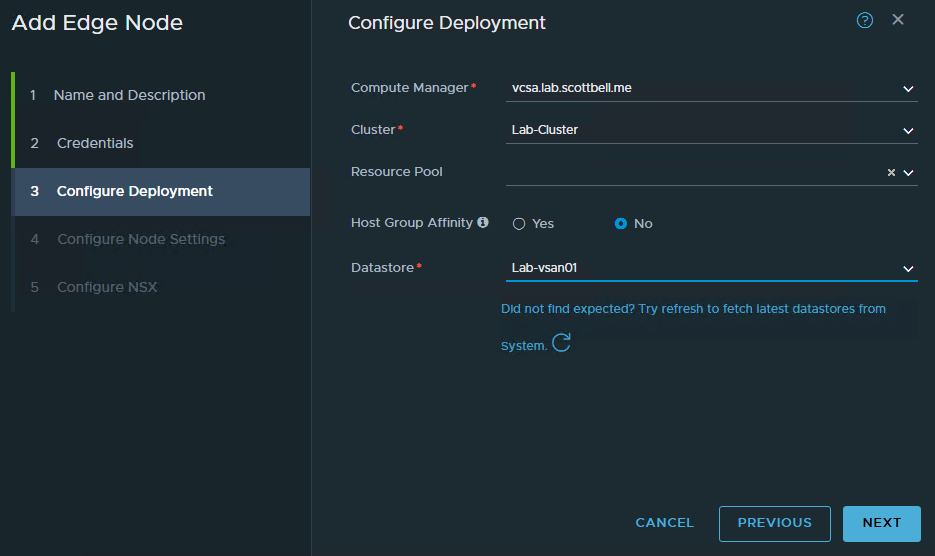
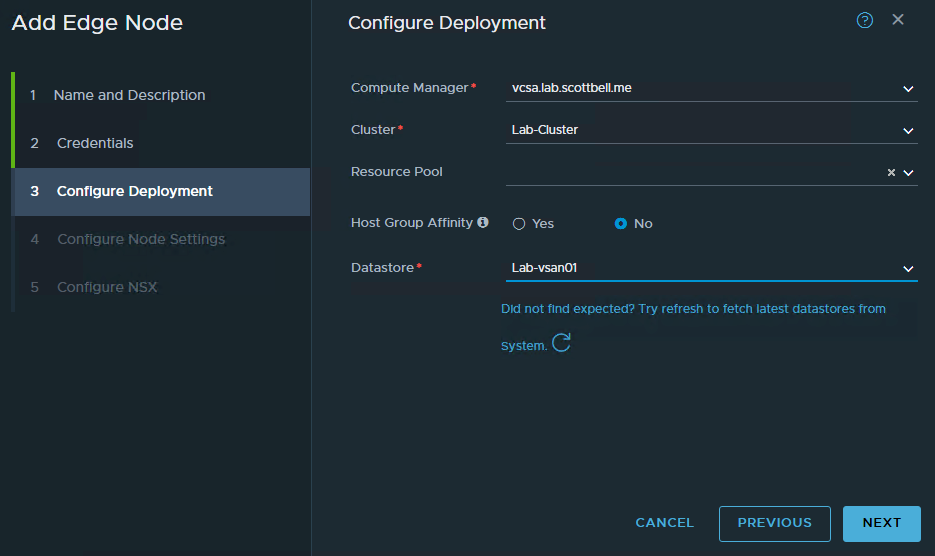
Use the drop downs to select the Computer Manager, Cluster, and Datastore. Select Next
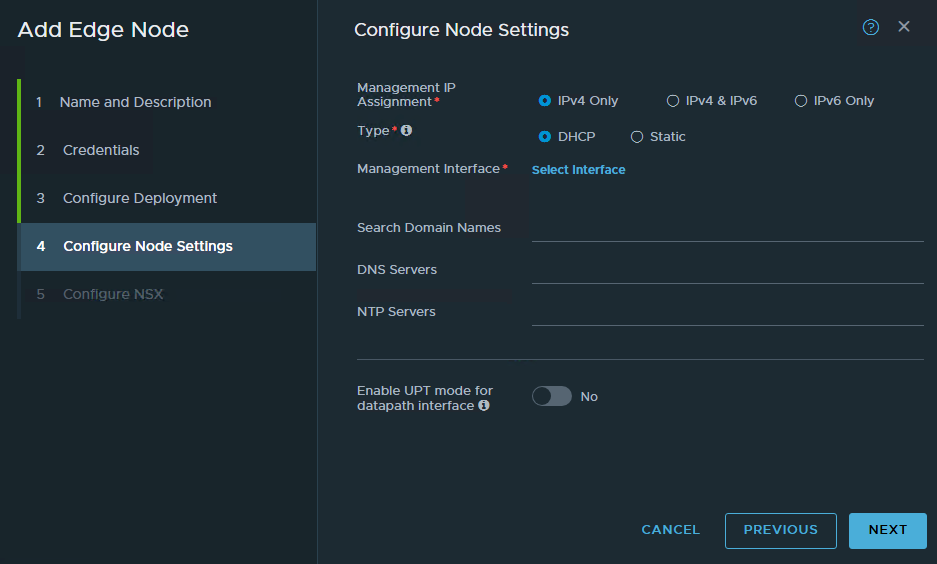
Click on Select Interface
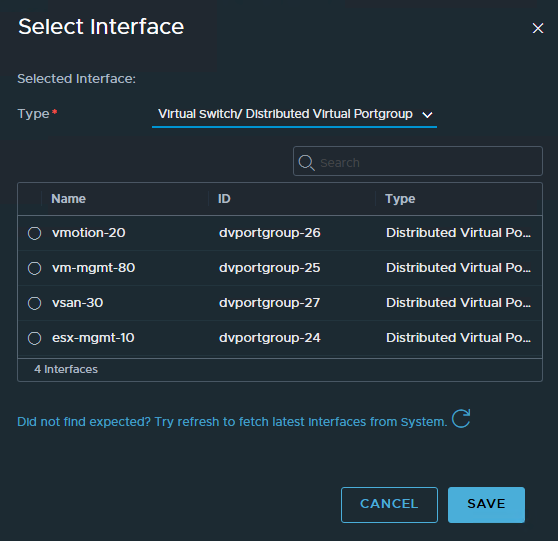
I will be using VLAN 112, as my VLAN has not been provisioned I will need to go over to vCenter to create it
Login to vCenter
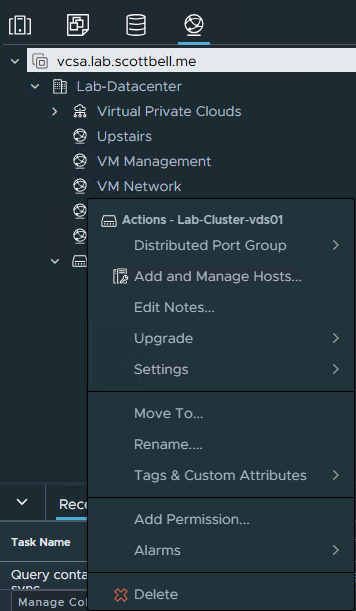
Go to the Network view (Globe at the top) and right-click the VDS your adding the VLAN to
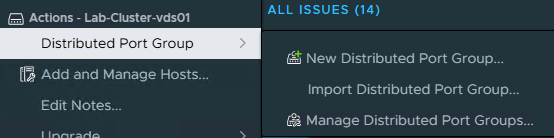
Select Distributed Port Group and then click on New Distributed Port Group
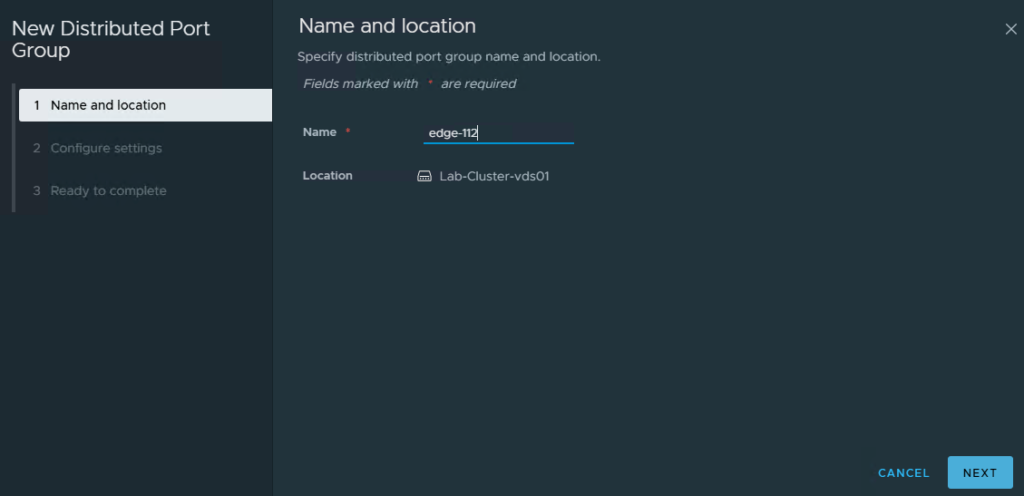
Enter the name of the new VLAN and click Next
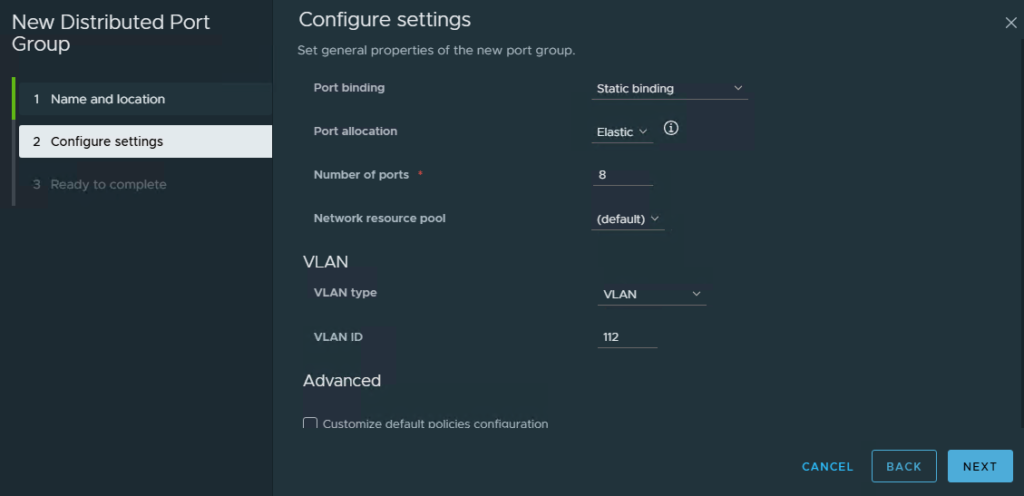
Change the VLAN type dropdown to VLAN and then enter the VLAN ID. I have left the rest default. Click Next
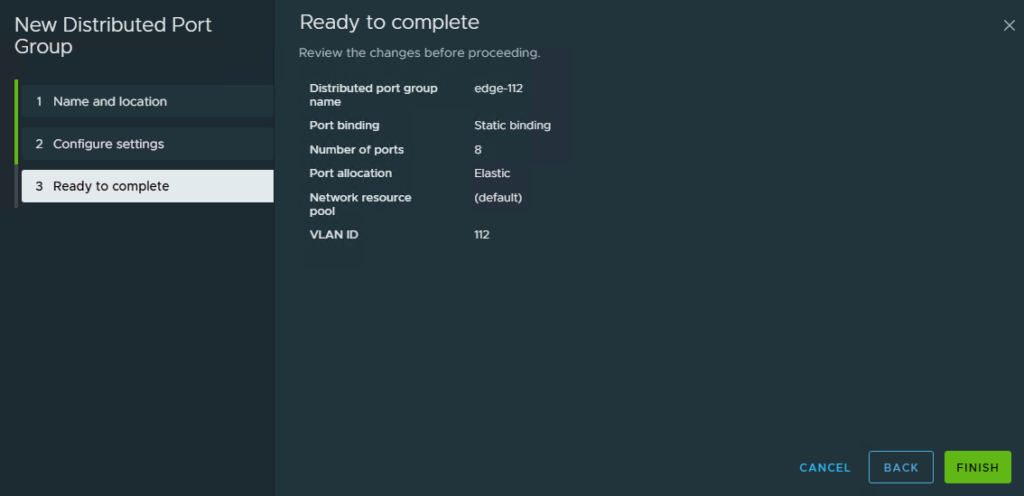
Verify the information and click Finish
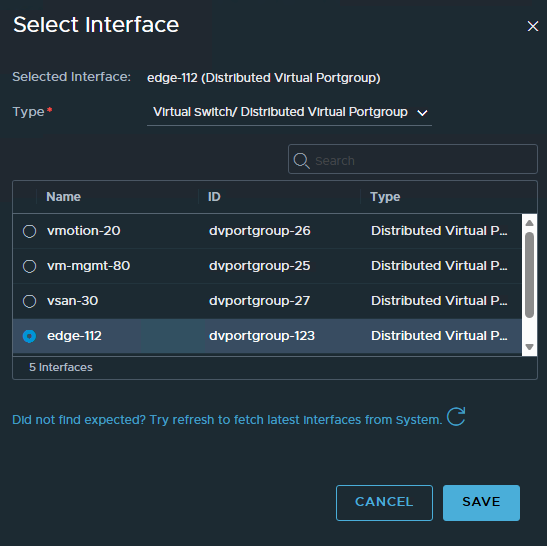
Go back to NSX and click the refresh under the VLAN list. After you should see your new VLAN, select it and click Save
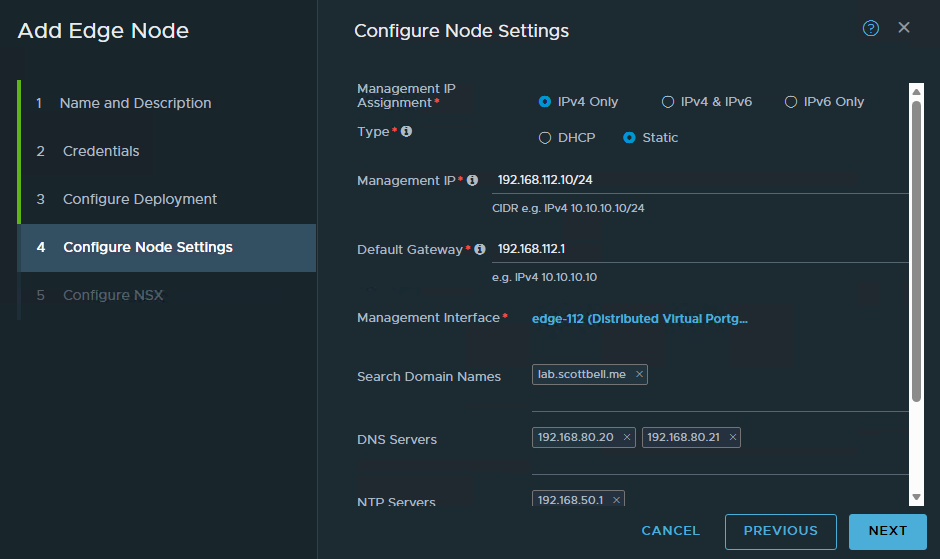
Enter IP’s, Gateway, DNS and NTP and select Next
Note: Adding NTP at this step may cause issues with deployment. I ended up having to redeploy without NTP
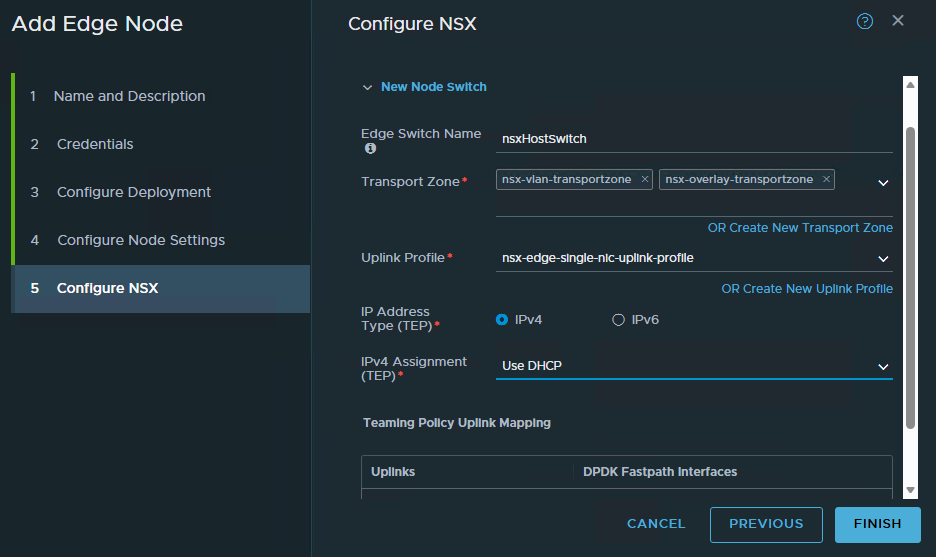
Select the Transport Zone(s), IP type, IPv4 assignment for TEPs and select an uplink once you scroll down. Click Finish

If you go over to vCenter you will see a deployment task for the Edge node

Once completed it will turn on the VM to finish configuring it with NSX
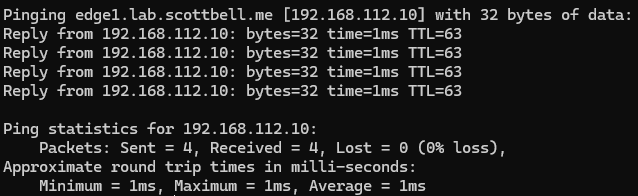
Open a command prompt window and attempt to ping from a system
Repeat the steps to deploy a second edge node
Now that we have two edge nodes, select the Edge Clusters tab at the top
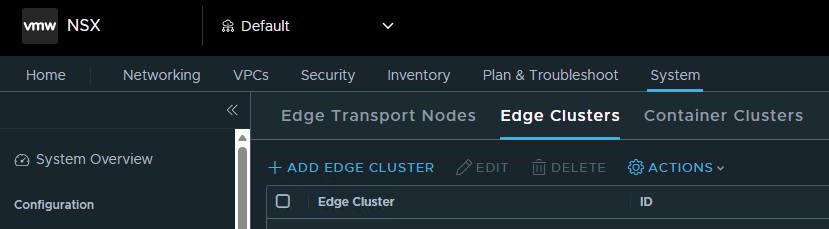
Select Add Edge Cluster
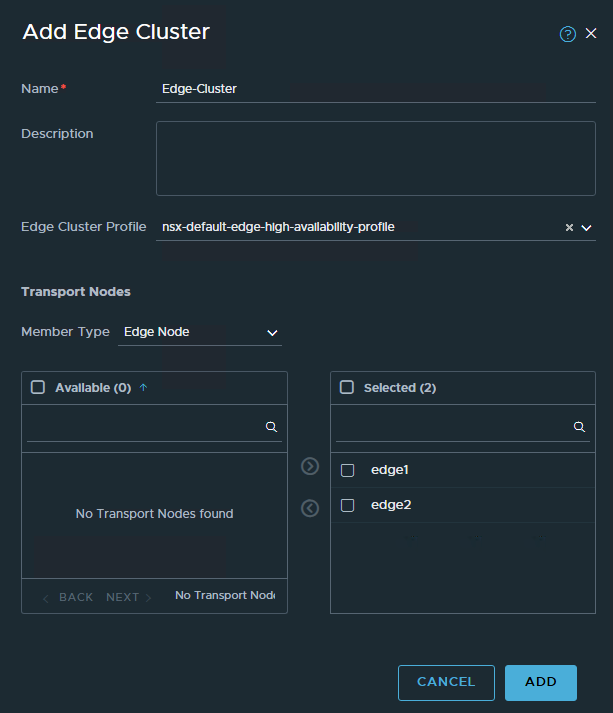
Enter the name, choose the Cluster Profile and assign the nodes. Select Add
Now that we have the edge nodes configured we can continue on to setting up Automation
Home Lab, Homelab, NSX, NSX Edge Nodes, VCF, VMware