Deploy AVI (Stand-Alone OVA)
October 26, 2026 | Homelab, VMware, VMware AVI | No Comments
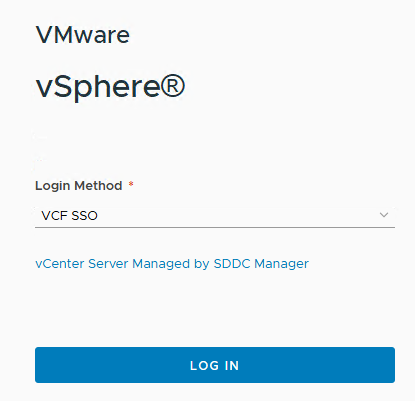
Login to vCenter
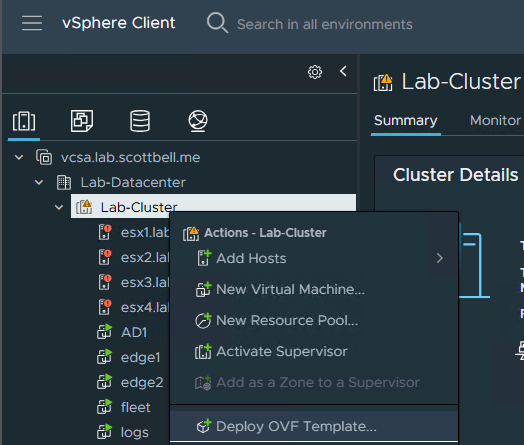
Right-Click the cluster and choose Deploy OVF Template
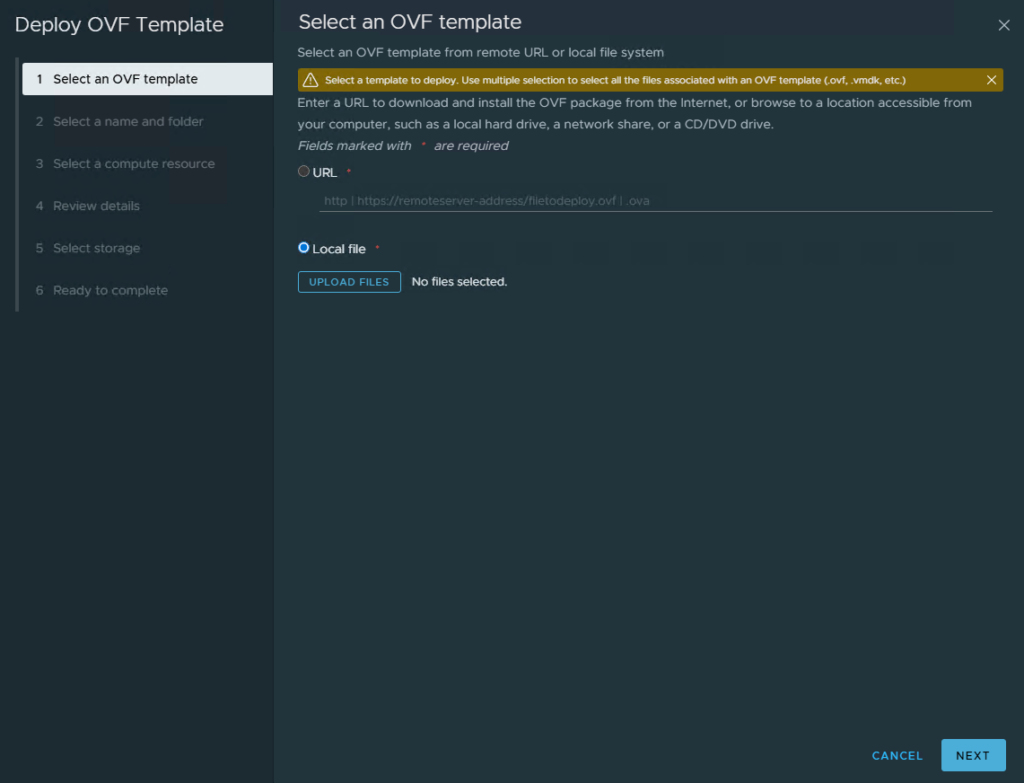
Choose Local File and click Upload Files
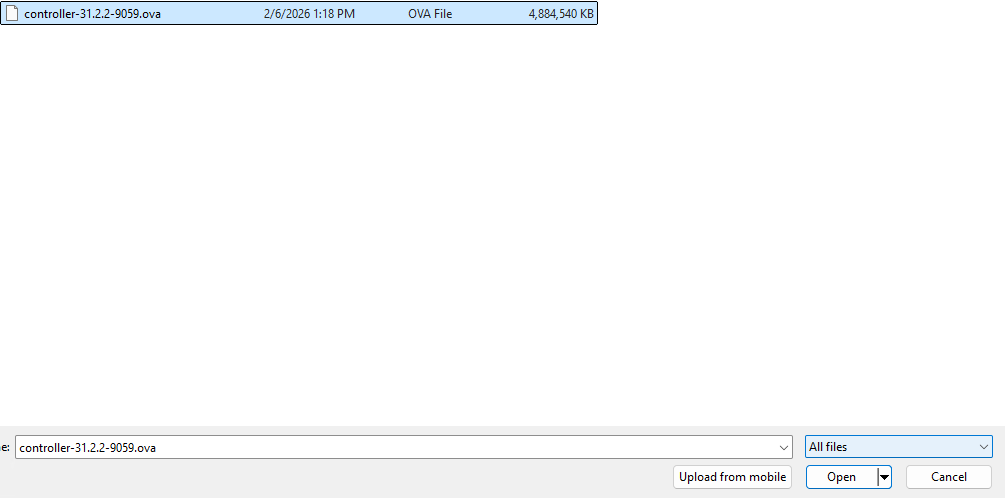
Choose the file and select Open
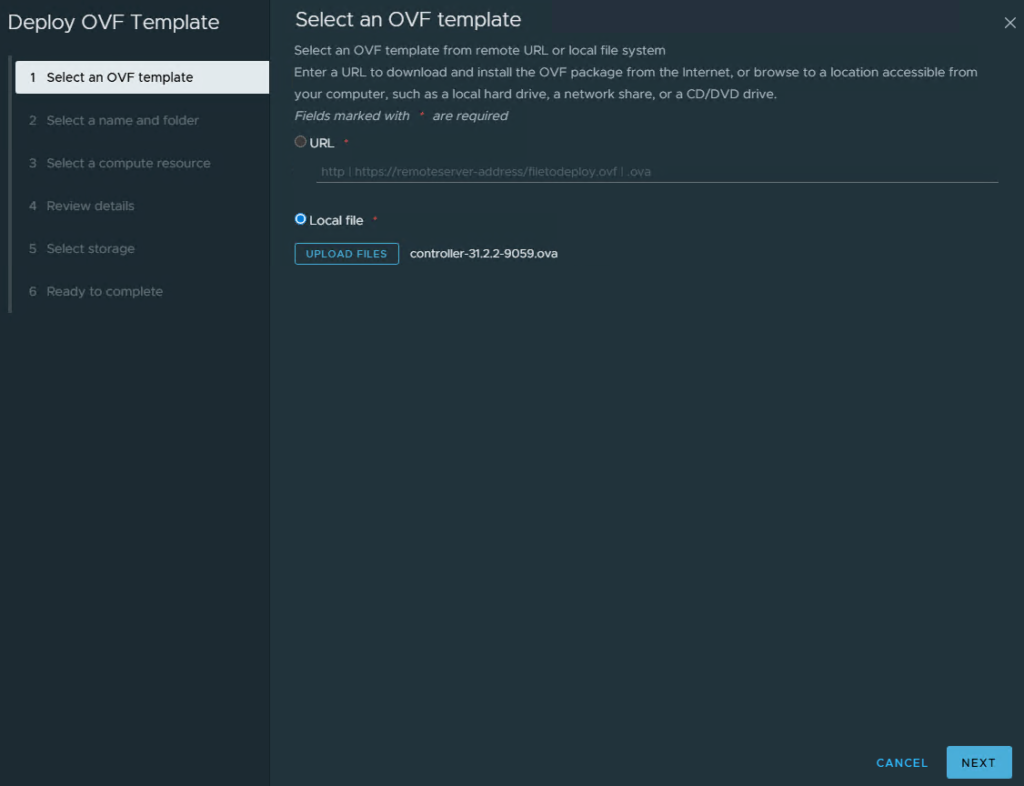
Select Next
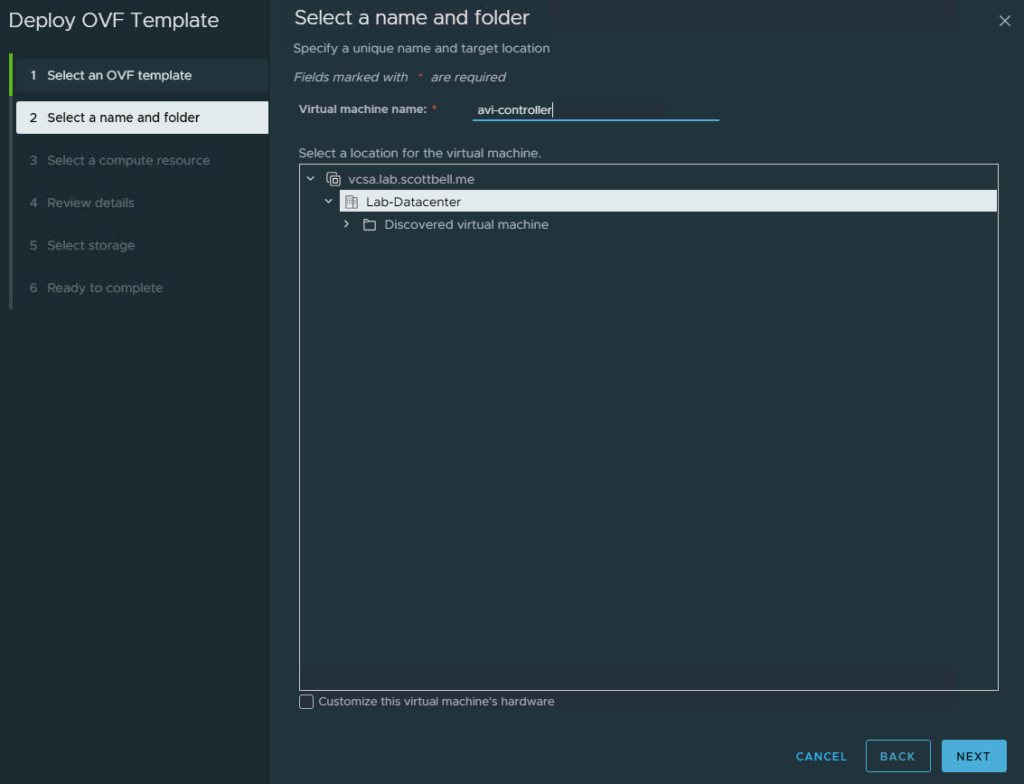
Enter a name, select the VM folder placement and then click Next
Select the Cluster your deploying to and click Next
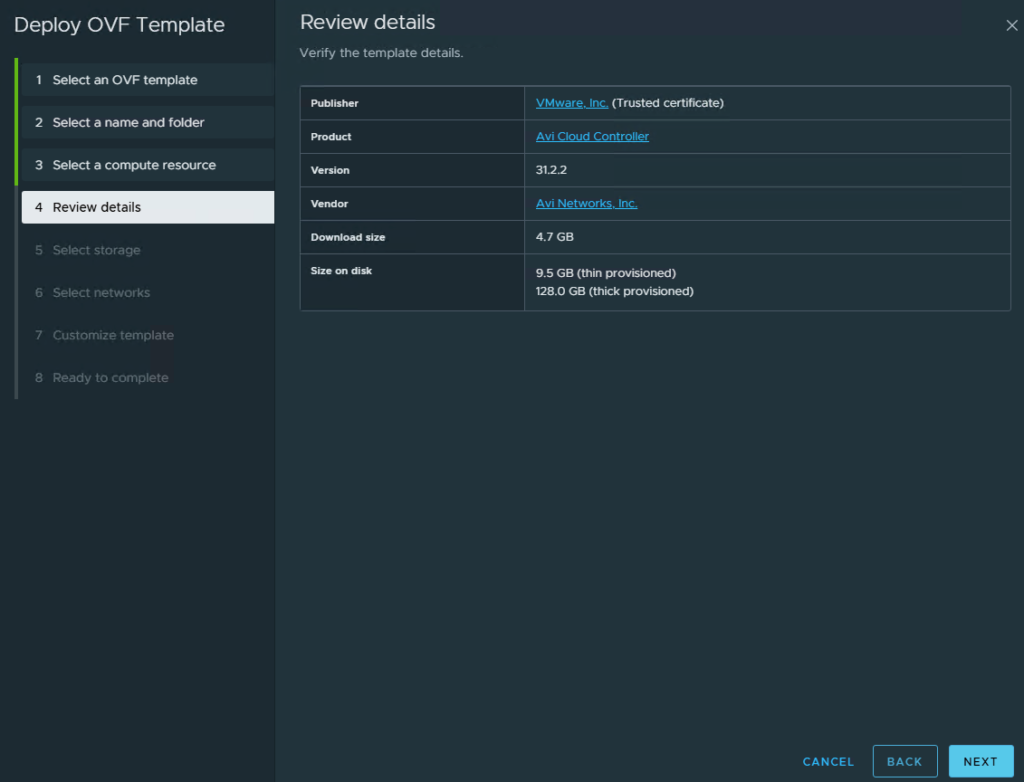
Review the details of what will be deployed and click Next
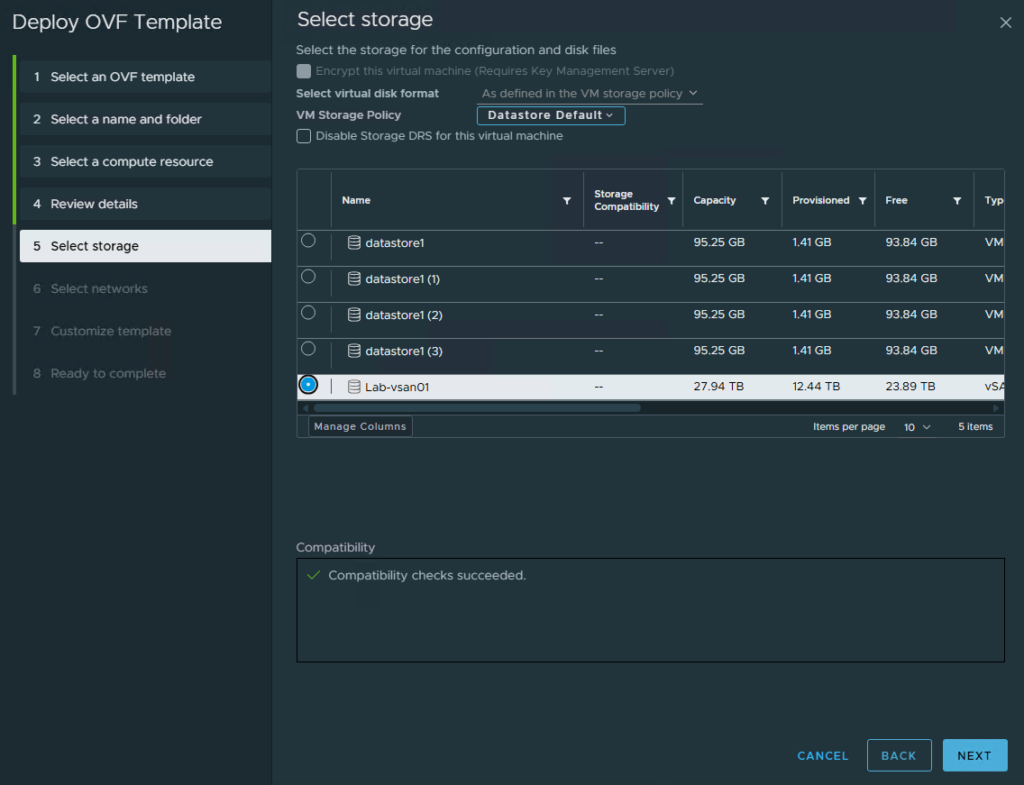
Select your storage location and click Next
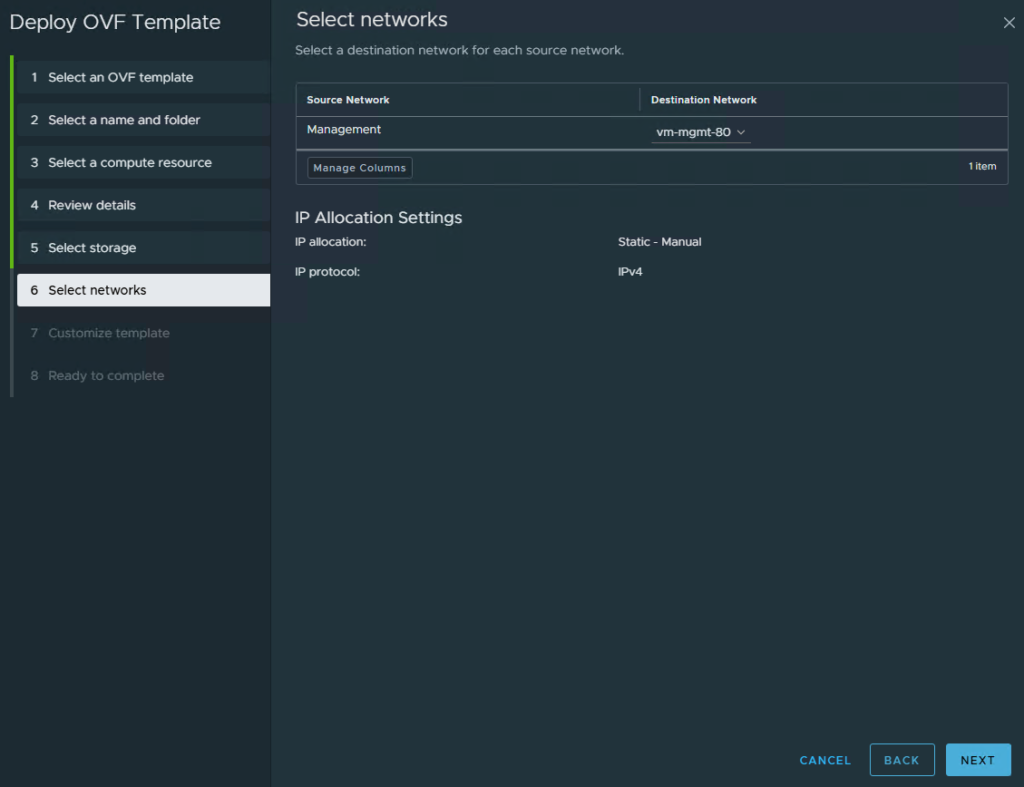
Select your network
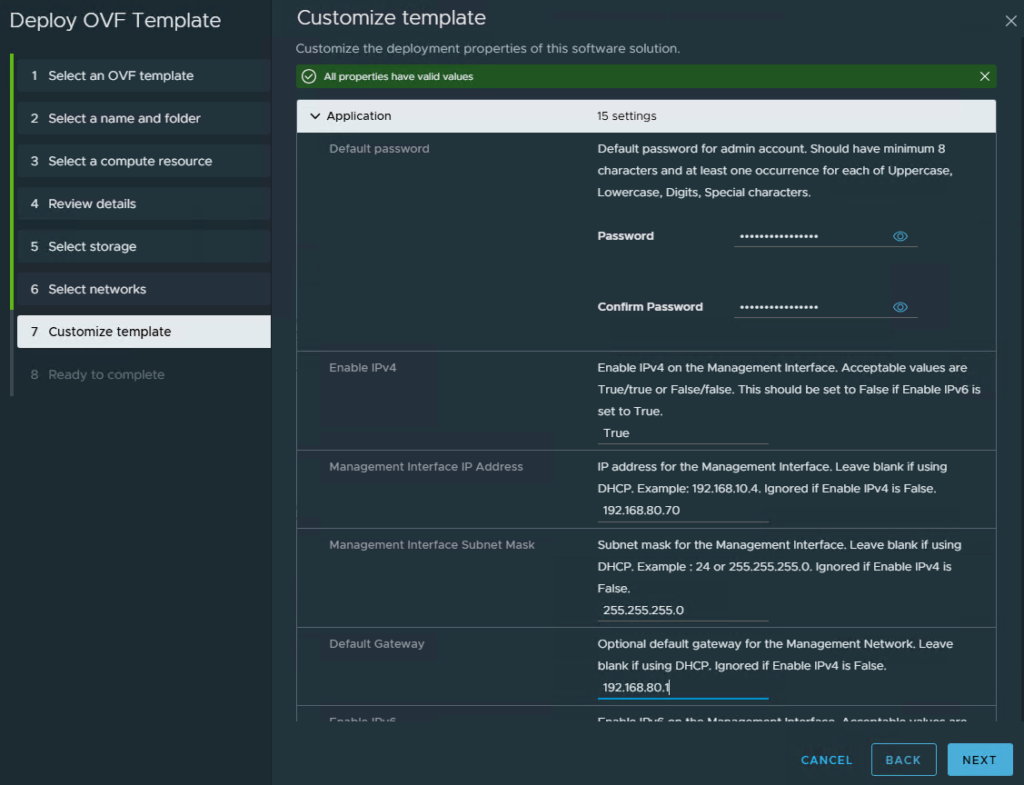
Enter in the appliance password, and IPv4/IPv6 Info. There are several fields when you scroll down that are not intended for use with manual stand alone deployment
Note: This appliance’s management interface does not support dual-stack so you will need to choose IPv4 OR IPv6. Service Engines DO support dual-stack for workload VIPs and such
Click Next
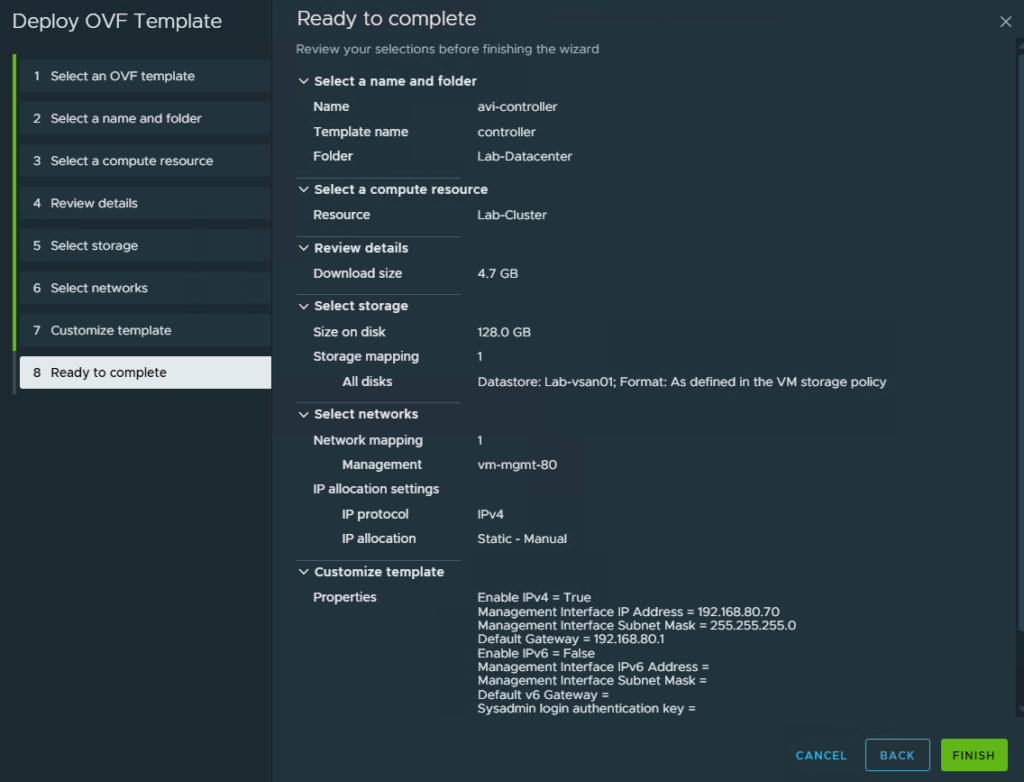
Review your settings and click Finish
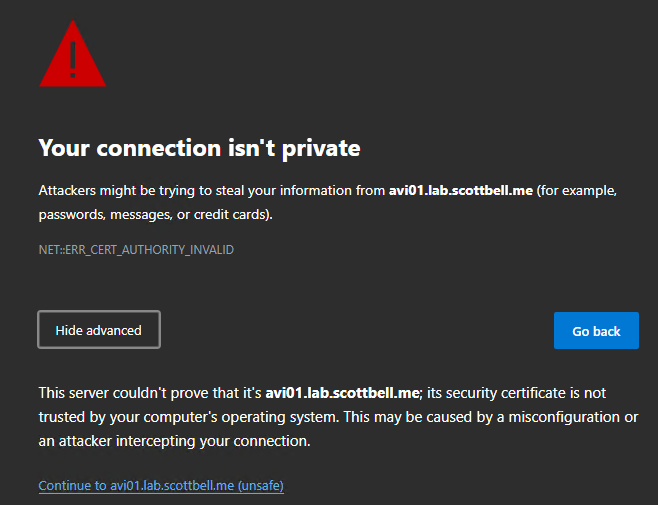
After it’s deployed, navigate to its webpage. You will get a certificate warning. If you trust the page, click Continue
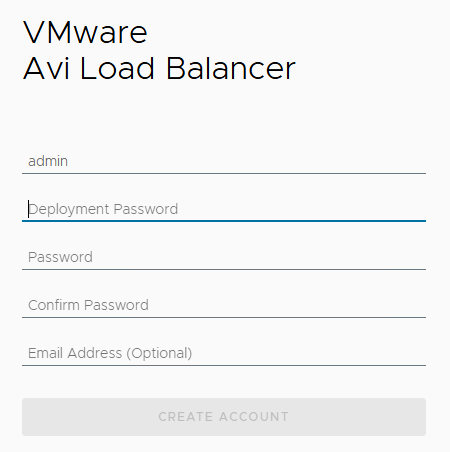
Enter the required information to create account
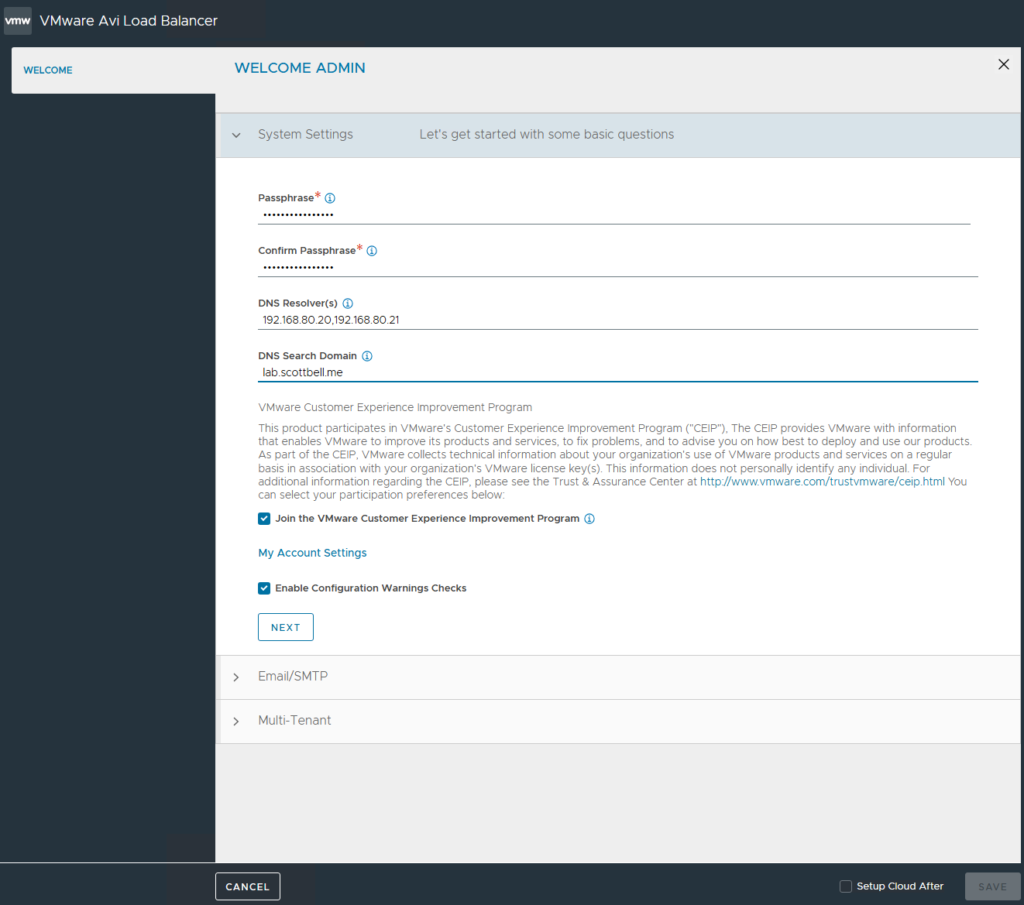
You will be asked to provide a passphrase for sensitive configurations and backup restoration, along with DNS servers and the domain. Click Next
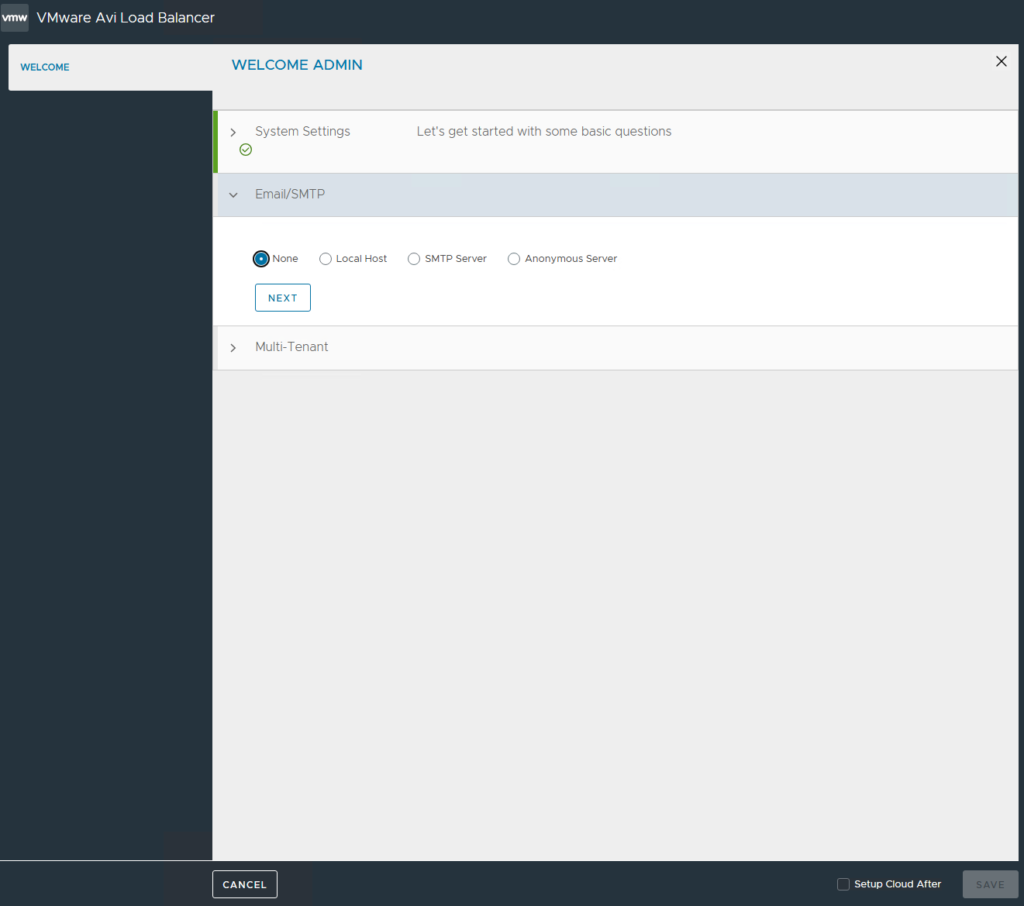
If you have it, provide SMTP\Email information. I do not, so I’m selecting None. Click Next
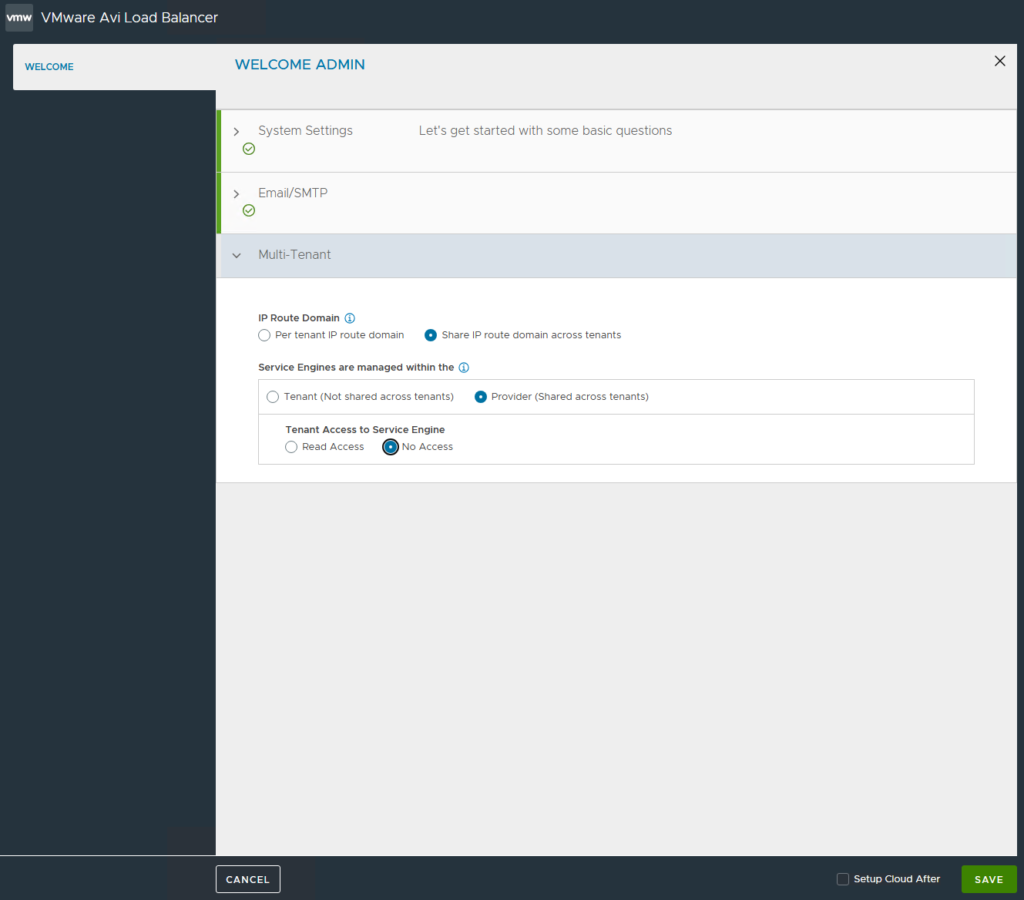
I’m not doing a multi-tenant configuration so this will be a Shared\Provider setup. I did change Tenant access to Service Engine to No Access as that’s not needed here. Click Save
Home Lab, Homelab, VMware, VMware AVI