Deploy VCF Operations for Networks
August 3, 2026 | Homelab, VCF, VCF 9, VCF Ops for Networks, VMware, VRNI | No Comments
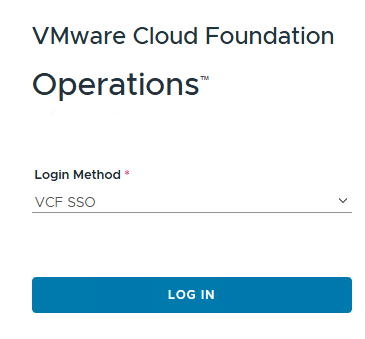
Login to VCF Operations
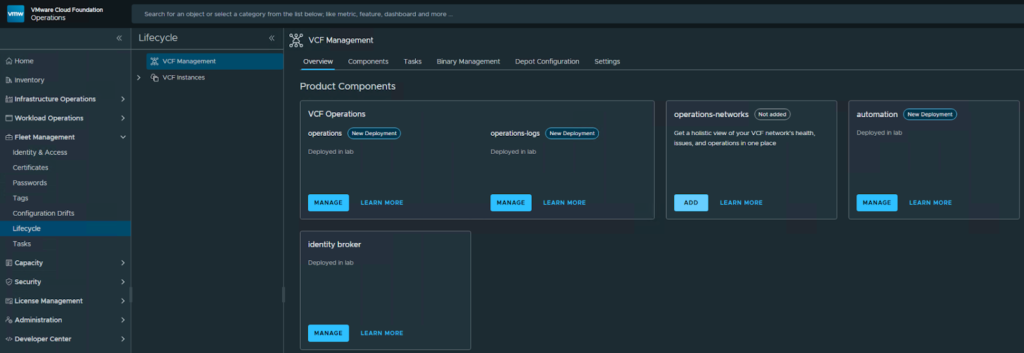
Navigate to Fleet Management, Lifecycle, and then select Add for Operations-networks
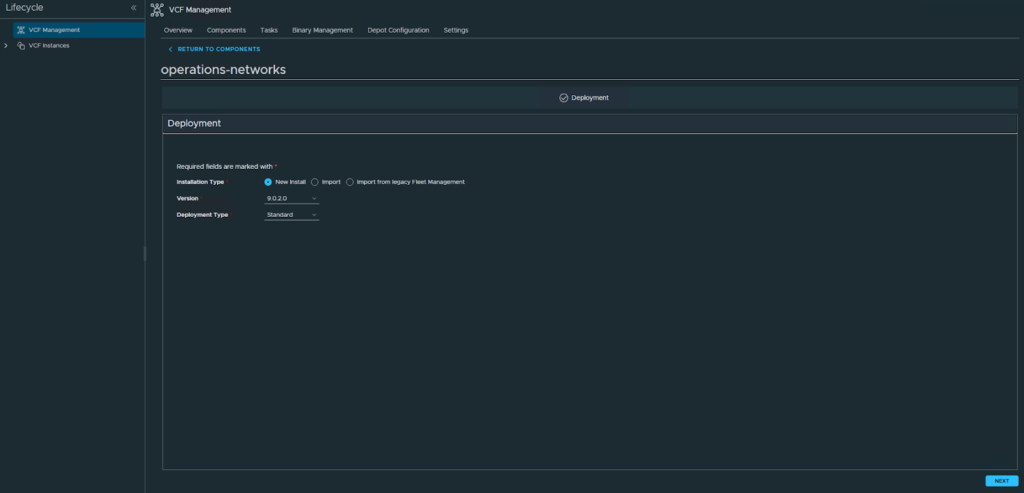
Choose your version and deployment type, click Next
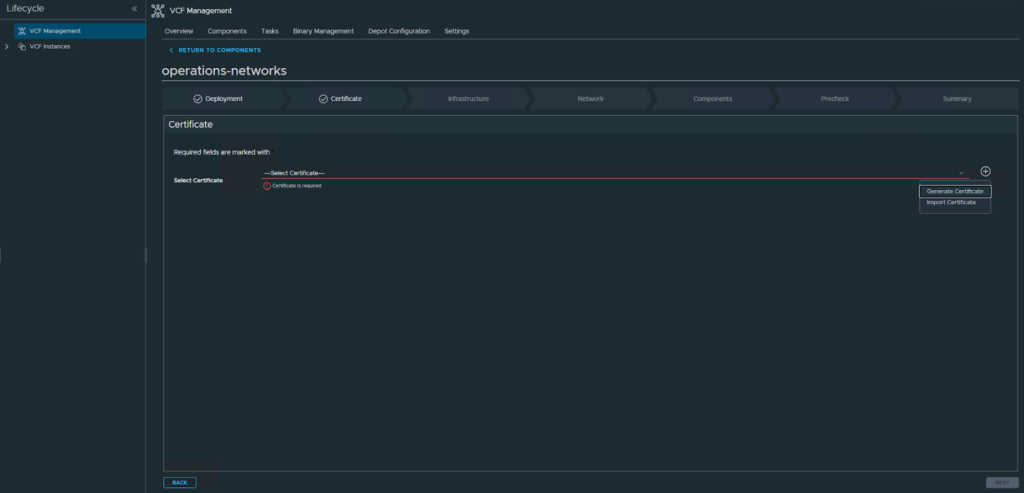
Choose to generate or import a certificate, I will be importing
Select Next
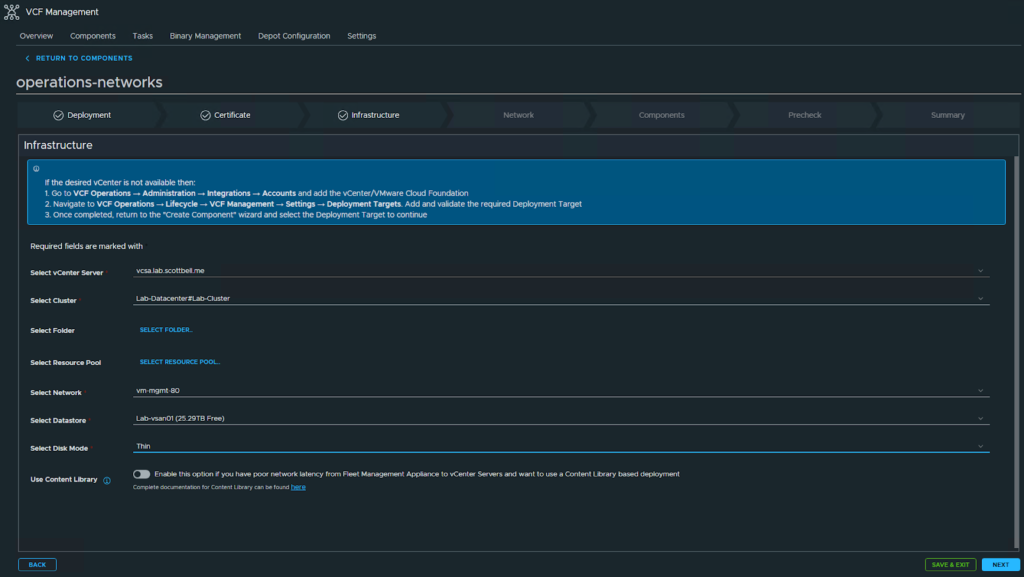
Select where the VM is going to be placed and then click Next
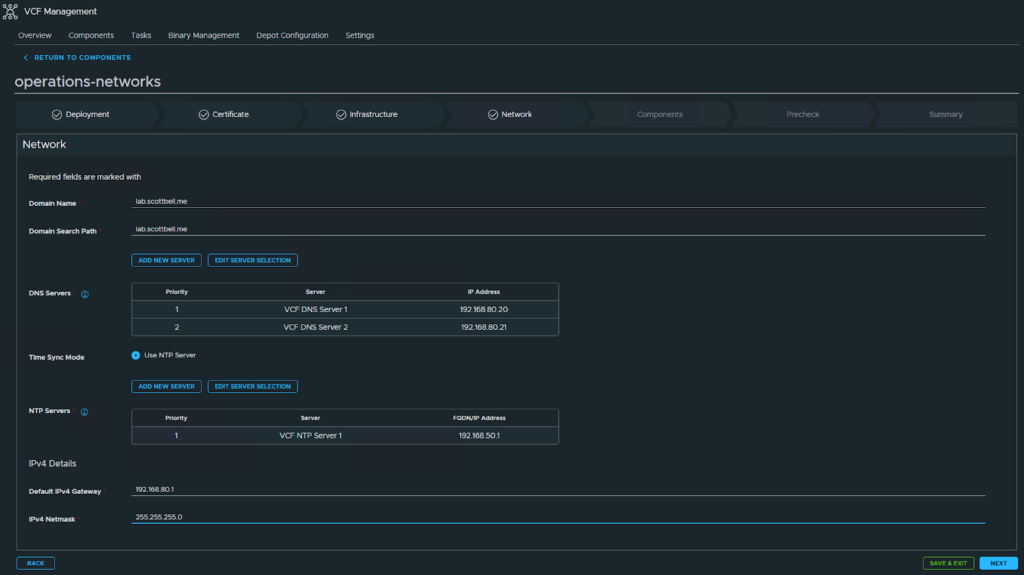
Provide Domain, DNS, NTP and Gateway information and click Next
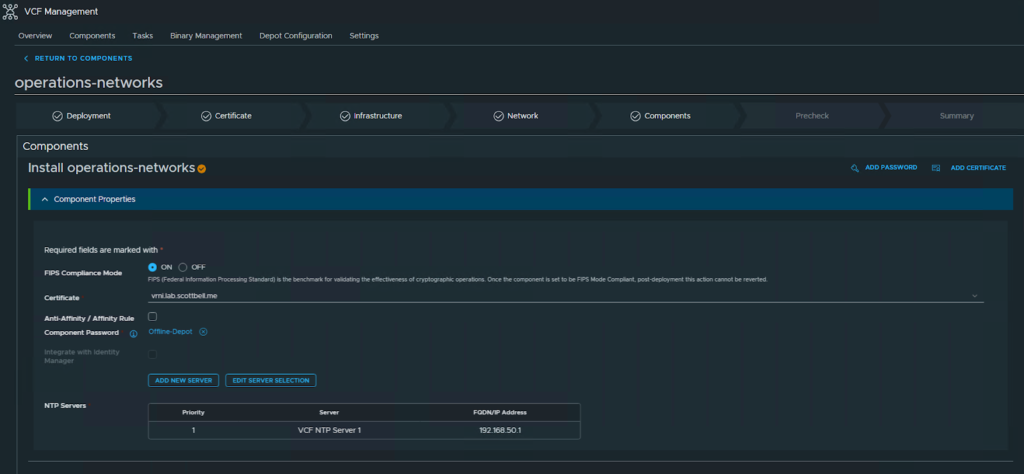
For the first portion select if your operating in FIPS mode (on by default), make sure it’s still the certificate you want, and that the NTP server is correct
For the second portion, enter the VM names, their IPs, and the node sizes. Click Next
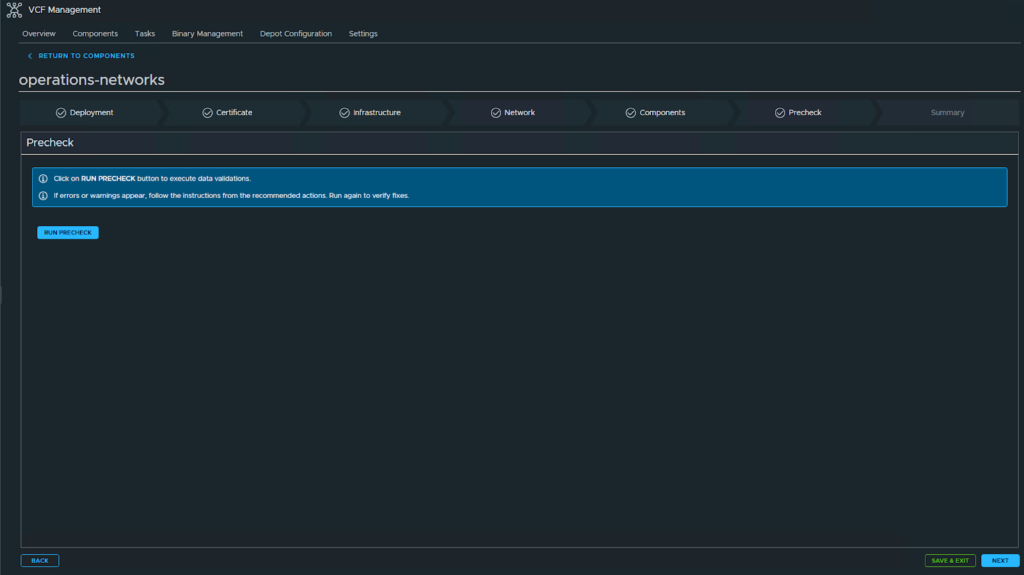
Run the precheck
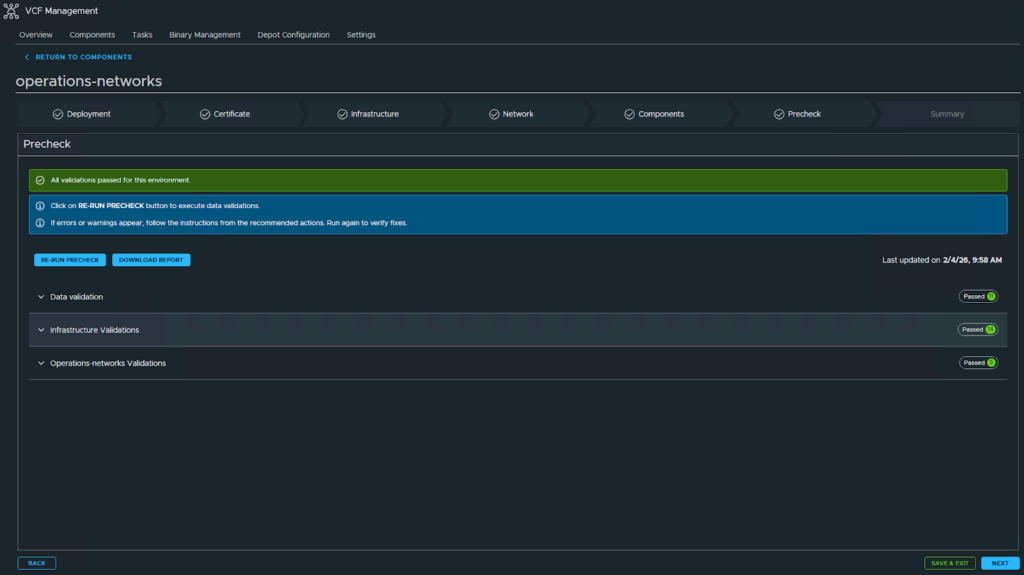
Once the precheck has passed, click Next
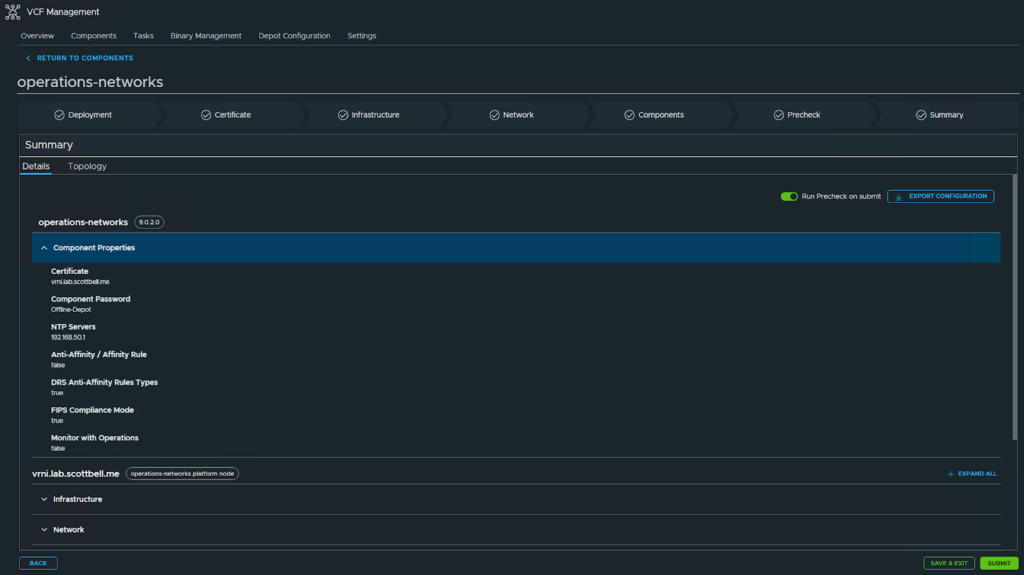
Review your settings and if correct, select Submit
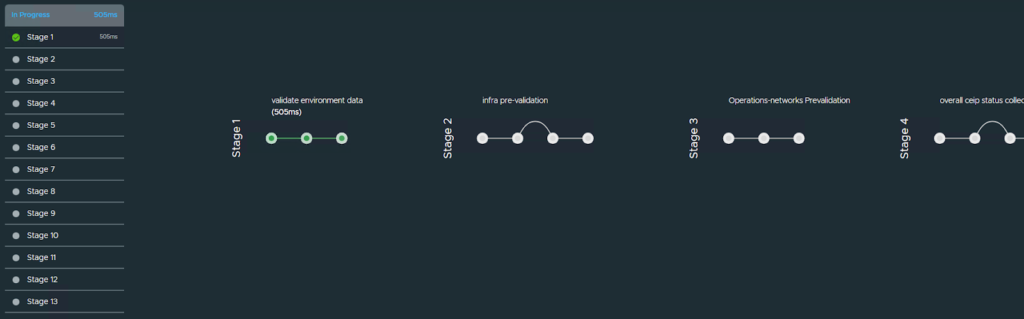
As it deploys it will update this status page. This can take a bit
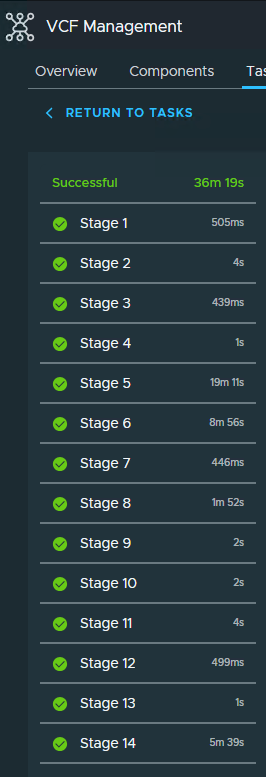
Once completed, you will see all 14 steps with a green checkmark
Congrats and your new appliance and have a good one
Home Lab, Homelab, VCF, VCF Ops for Networks, VMware, VRNI