Clear\Delete VSAN Partitions
April 27, 2026 | ESX, ESXi, ESXi 7, ESXi 8, Homelab, vCenter 7, vCenter 8, VCF, VMware, vSphere 7, vSphere 8 | No Comments
Greetings, today we are going to be deleting a VSAN Datastore. This might be needed if vCenter crashed and you cant recover it or you’re blowing out your lab and didn’t properly remove VSAN.
So to start, login to the ESXi Host Client
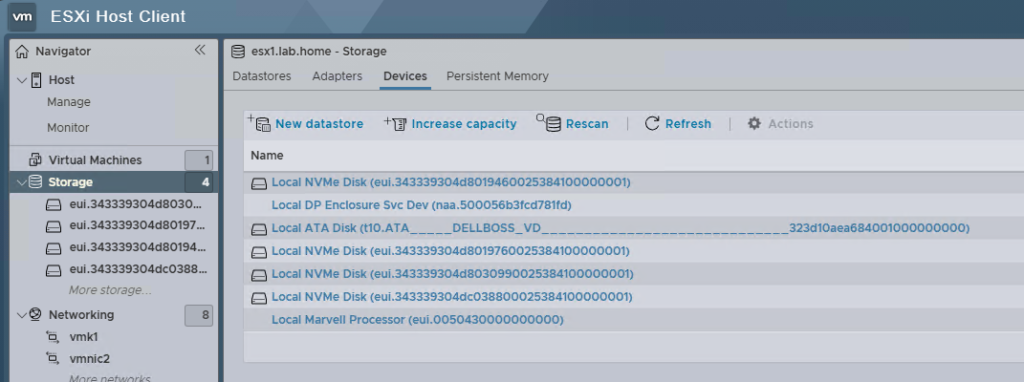
On the left pane, select Storage
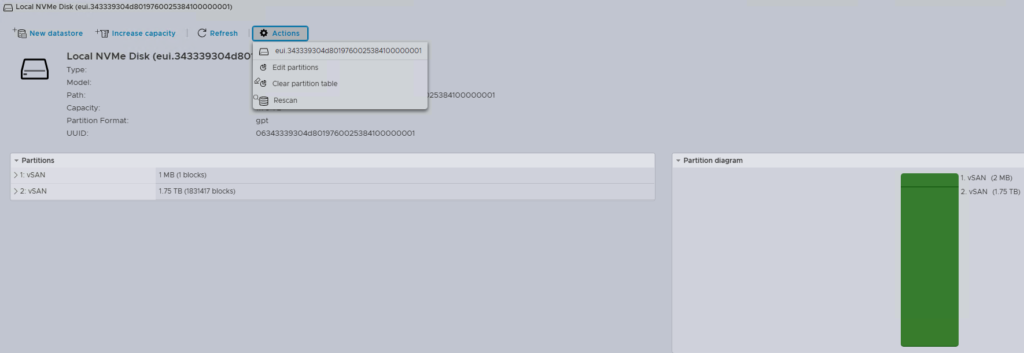
Select one of your drives and verify on the right side that the partitions are what you want to purge, VSAN in this case), if its correct, select Actions and then Clear partition table
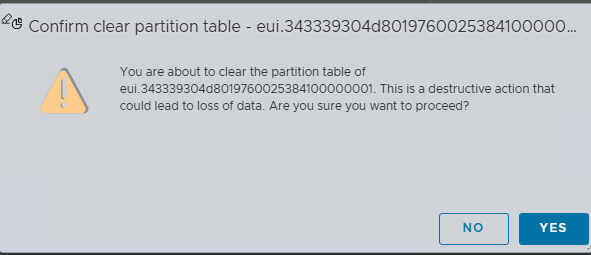
If your sure this is the partition to clear, select Yes

Now in my case, it refused. All that’s been done was delete the VMs.
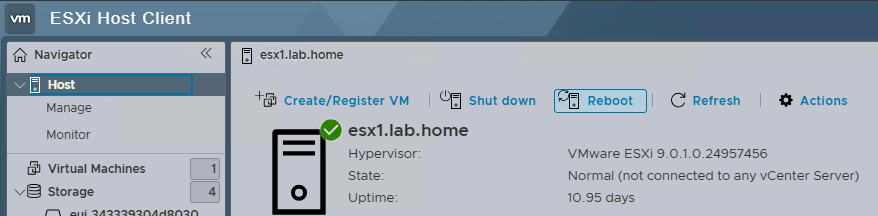
Go back to Host in the left pane, then Reboot
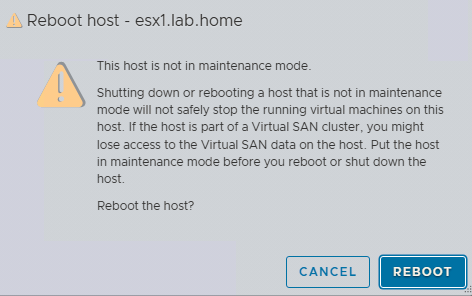
Select Reboot

So after logging back in, I tried again and it still didn’t allow the partition to be reset.
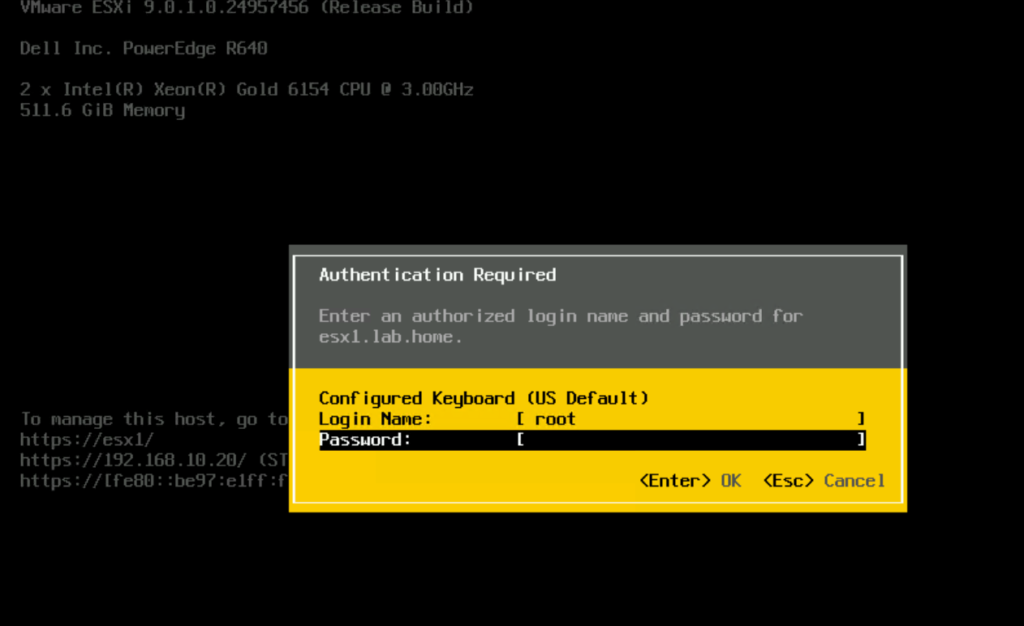
We are now going to reset the host. Go to your console and Press F2 to login
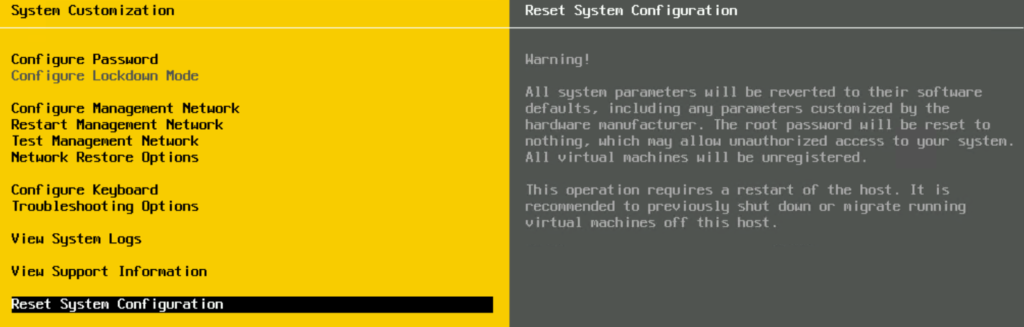
Select Reset System Configuration
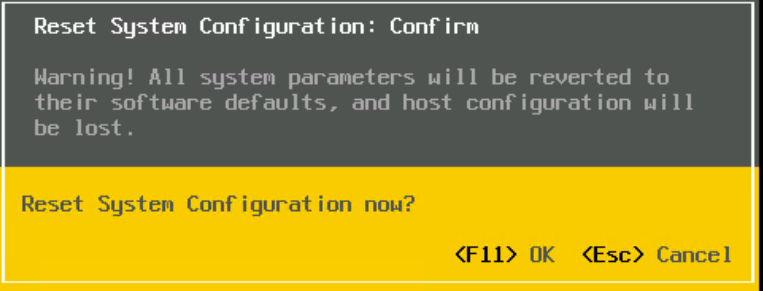
Select F11
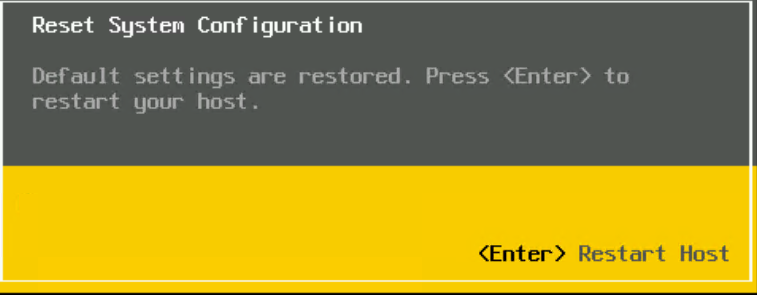
Press Enter
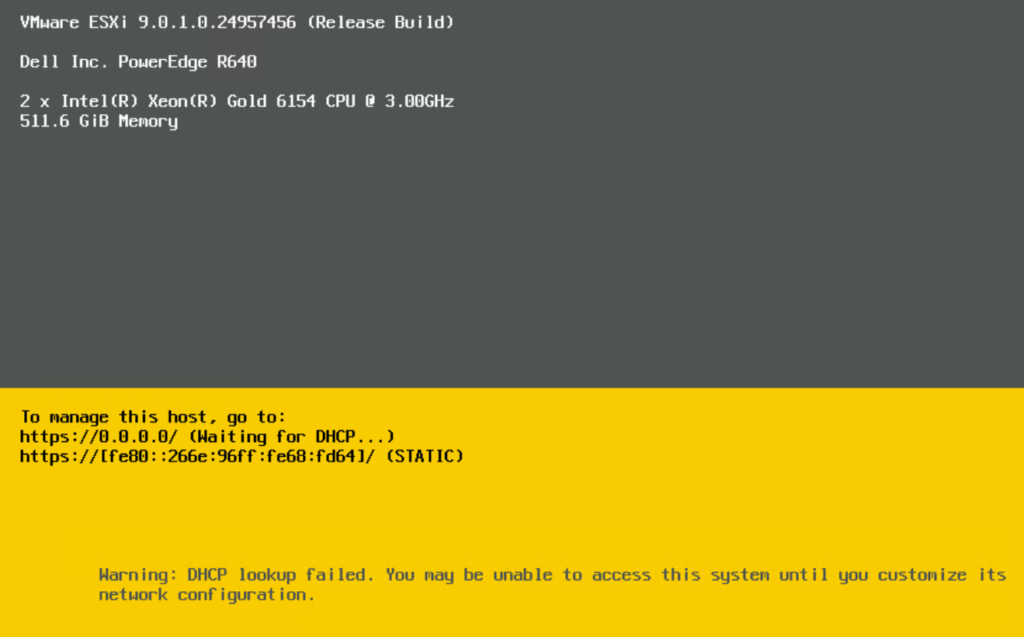
Since I have reset the configuration I will need to reset the hostname, IP, DNS and such
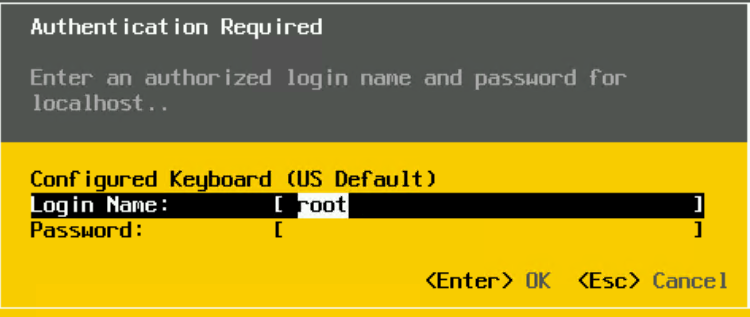
Since the host has been reset, the password will be blank
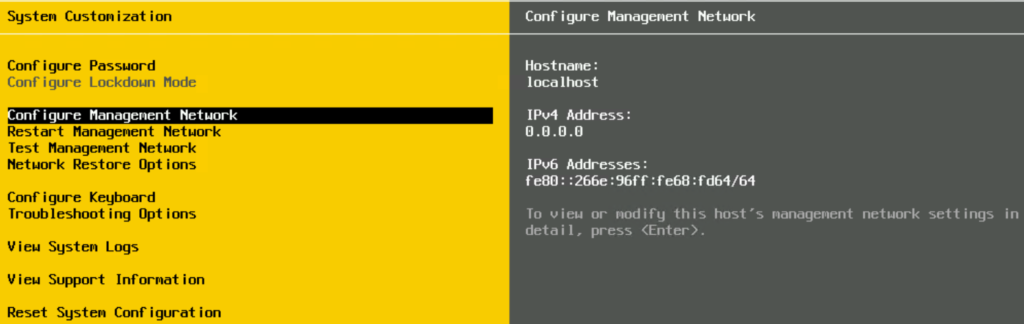
Select Configure Password
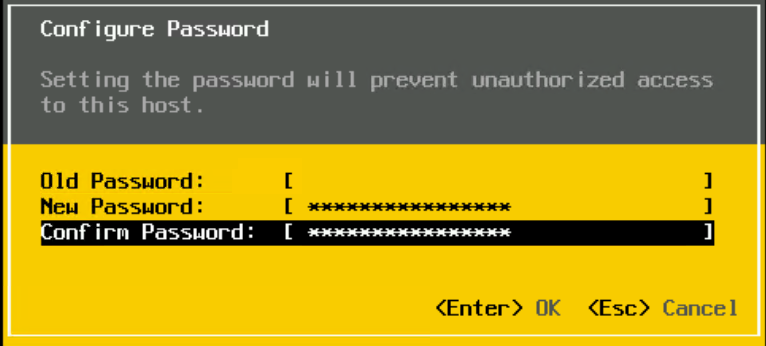
Once you’ve entered your password, hit enter
Select Configure Management Network
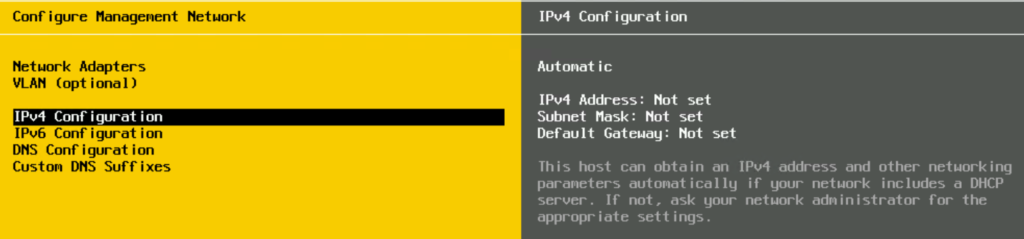
Select IPv4 Configuration
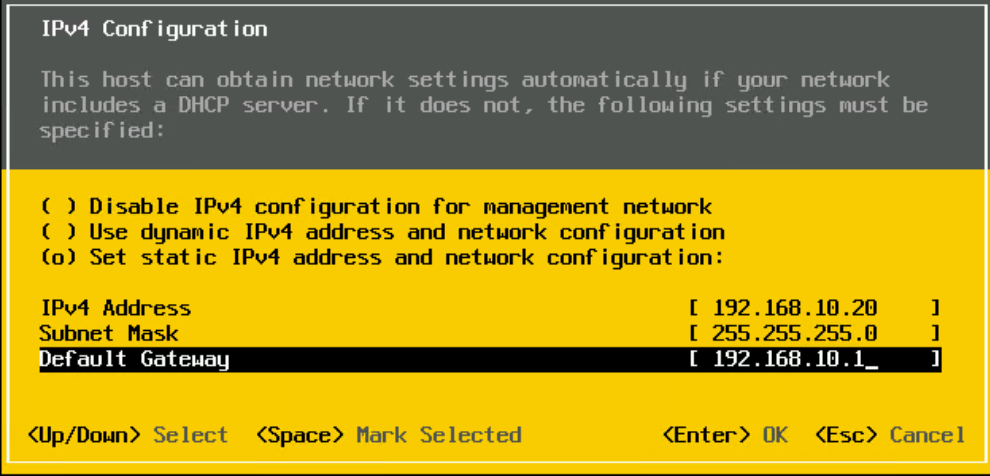
Enter the information and press Enter
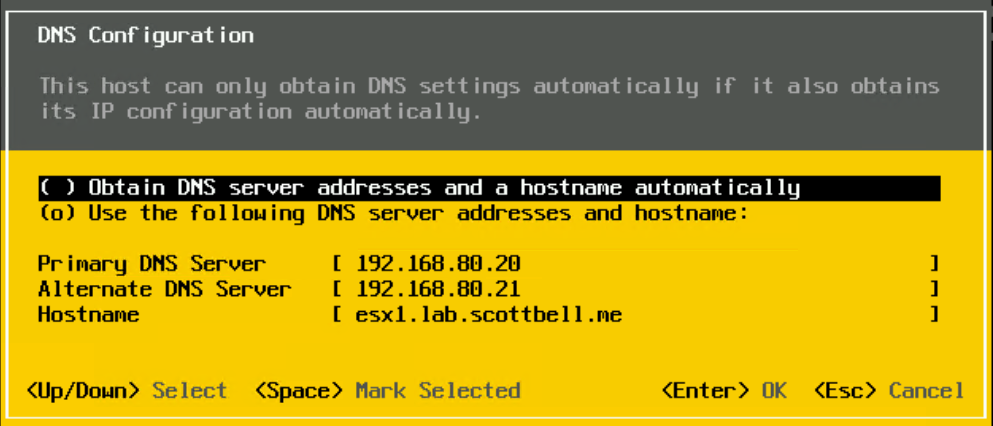
Select DNS Configuration
Enter your DNS servers and the hostname of the ESX host.
Note: Use FQDN for the hostname
Hit Enter
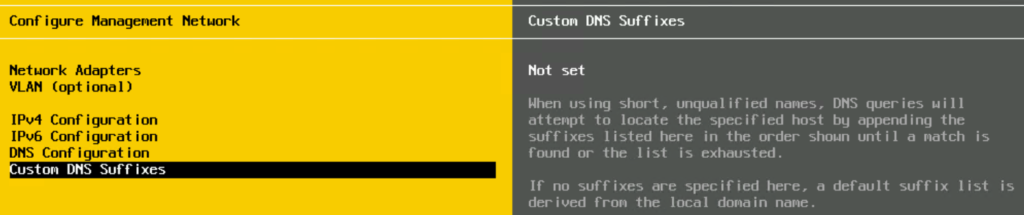
Select Custom DNS Suffixes
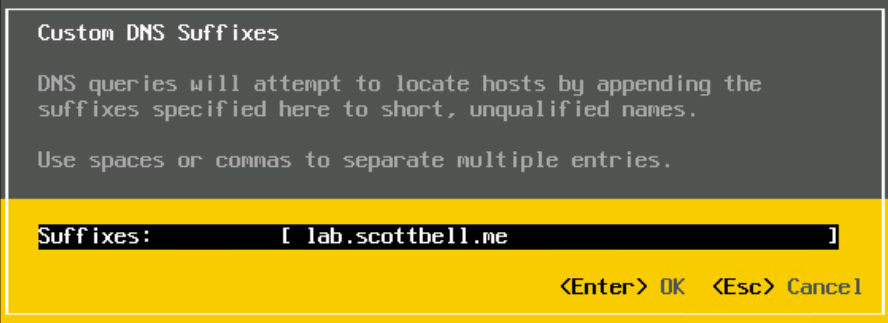
Enter your Domain Name and hit Enter
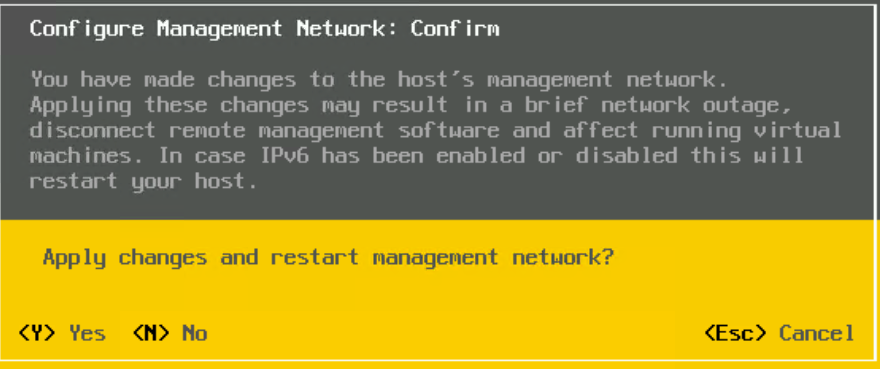
Hit Esc to save and then Y to confirm
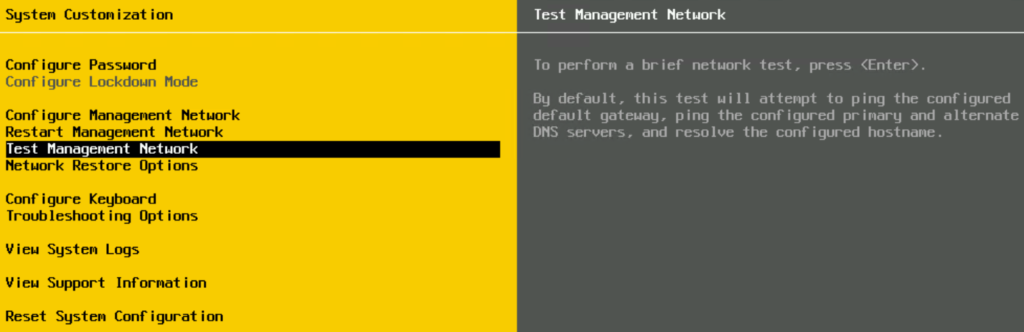
Select Test Management Network to confirm that your settings are correct and the host is reachable
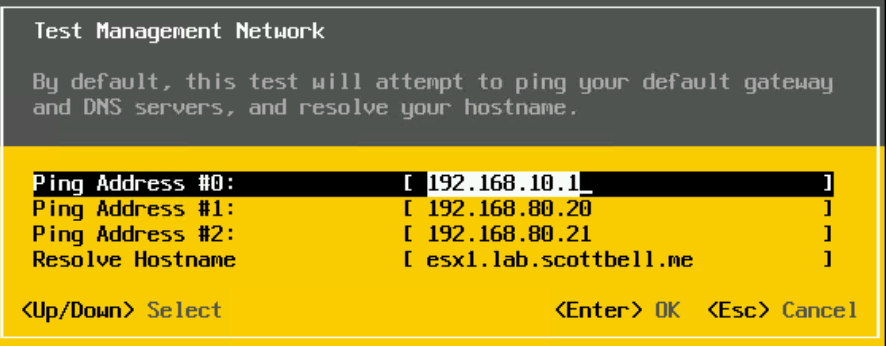
Hit enter to start the test
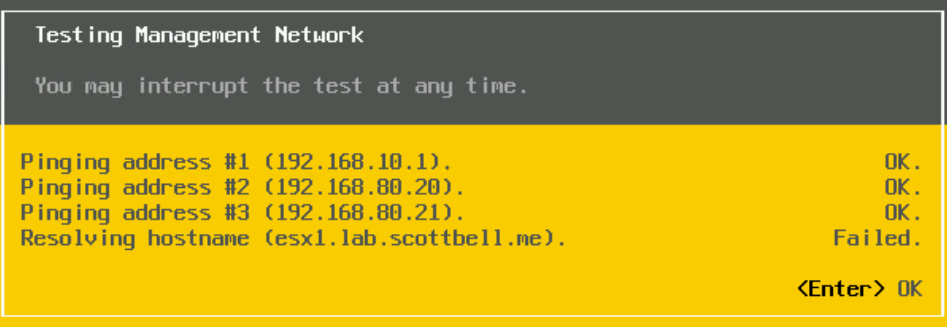
My DNS entry is new and it hasn’t caught up yet, but the network configuration works well.
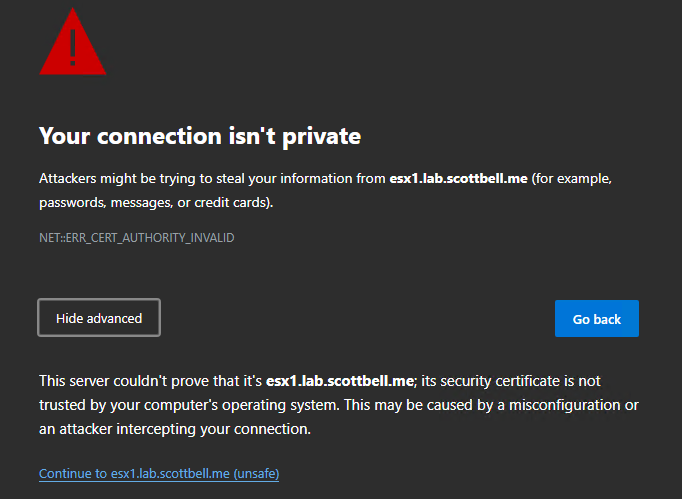
I now get a certificate error returning to the ESX Host Client
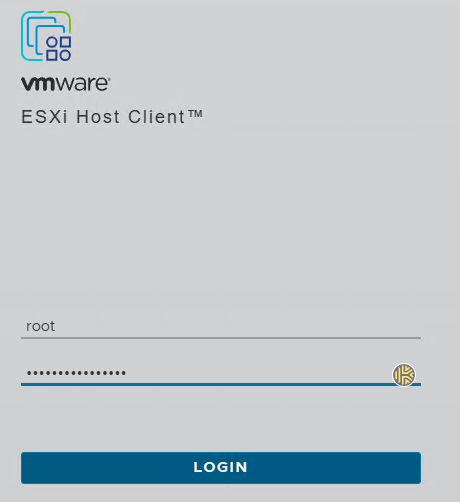
Log in
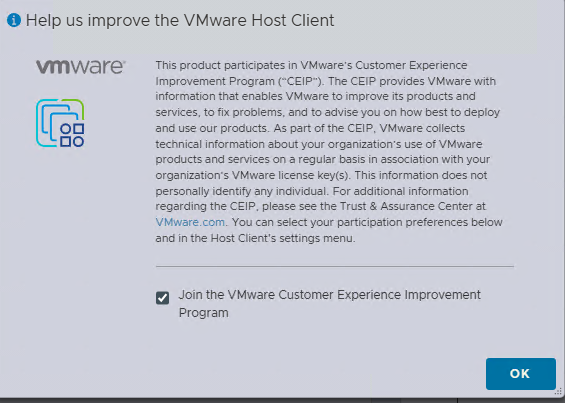
Make your choice on the Customer Experience Improvement Program and select OK
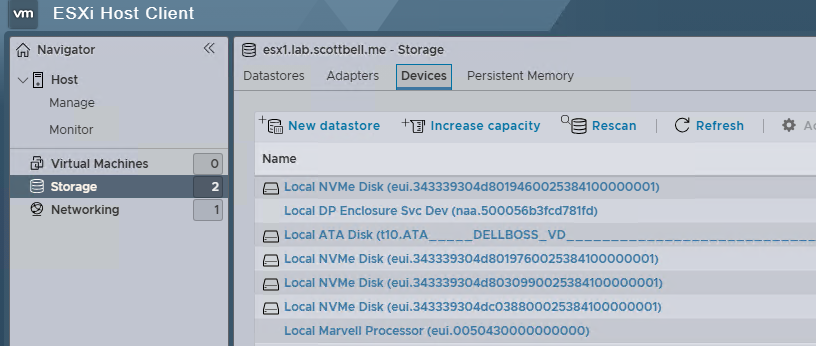
Select Storage on the Left pane and then choose one of the devices you want to clear
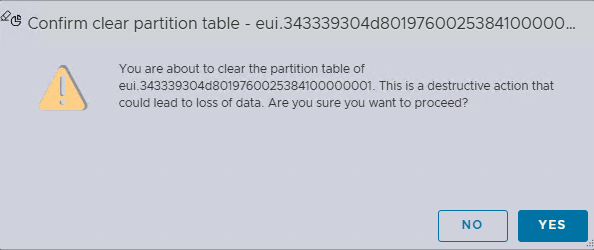
Select Actions and Clear partition table
Select Yes

This time you are able to clear the partition so that the drive can be re-used.
Have a good one.
ESX, ESXi, ESXi 8, ESXi7, Home Lab, Homelab, VCF, VMware, vSphere 7, vSphere 8