Deploy VCF Orchestrator
August 31, 2026 | Homelab, VCF, VCF 9, VCF Orchestrator | No Comments
This integration is documented here for Vendor Documentation
Integrate VCF Operations orchestrator with VCF Automation with All Apps
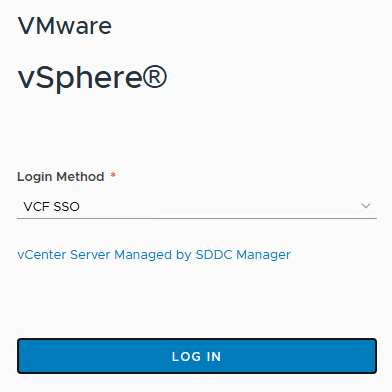
Login to your vCenter server
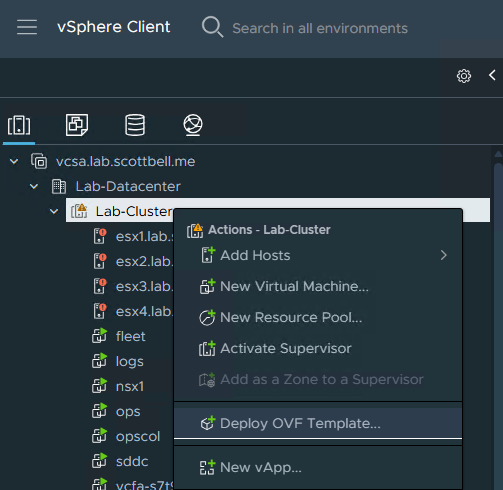
Right-click your Cluster and select Deploy OVF Template
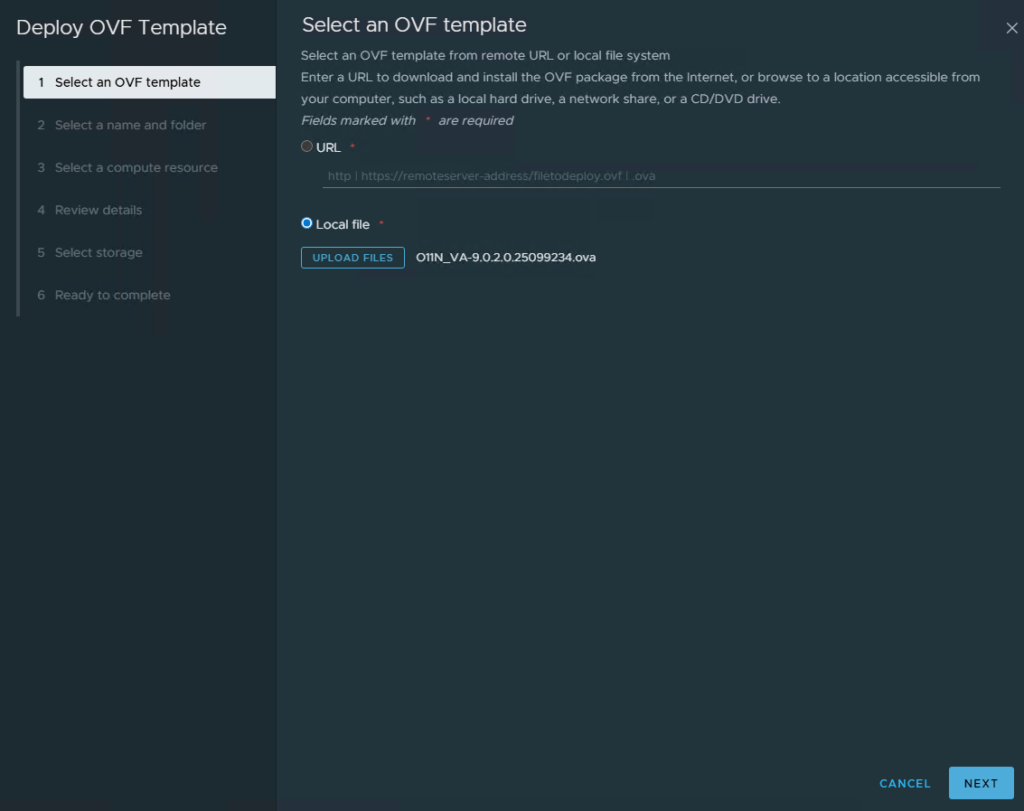
Select Local File, click upload files and navigate to the OVA. Click Next
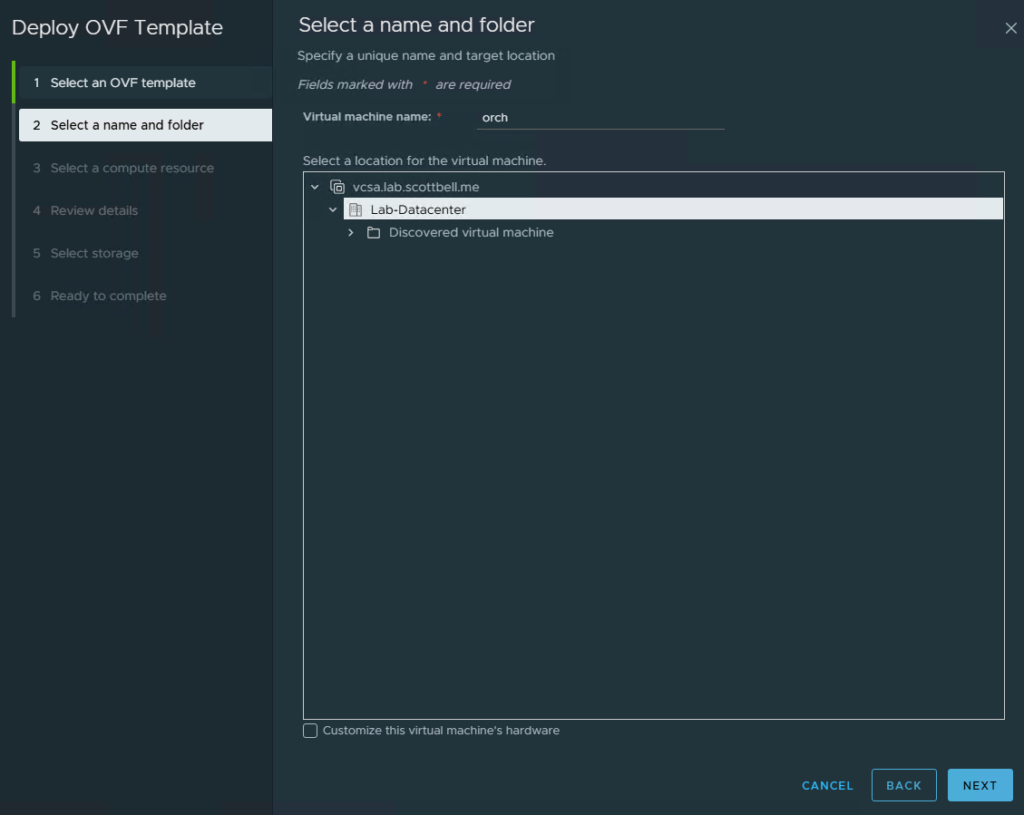
Name your VM and select a folder for the VM. Click Next
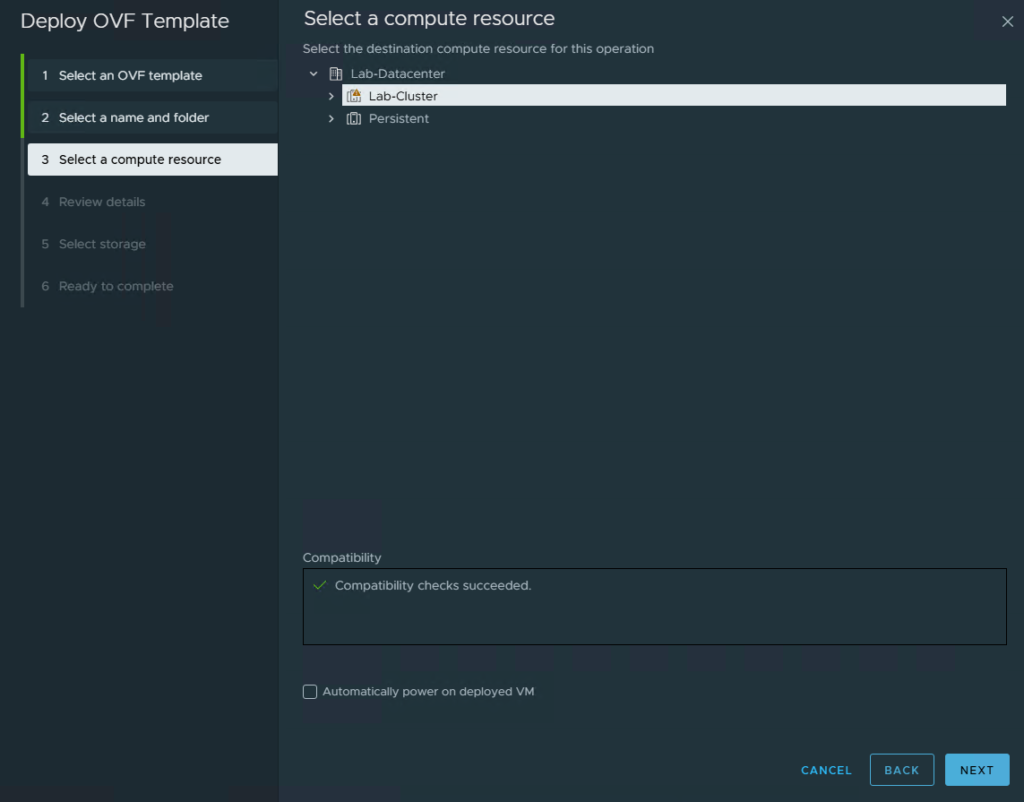
Select your cluster and click Next
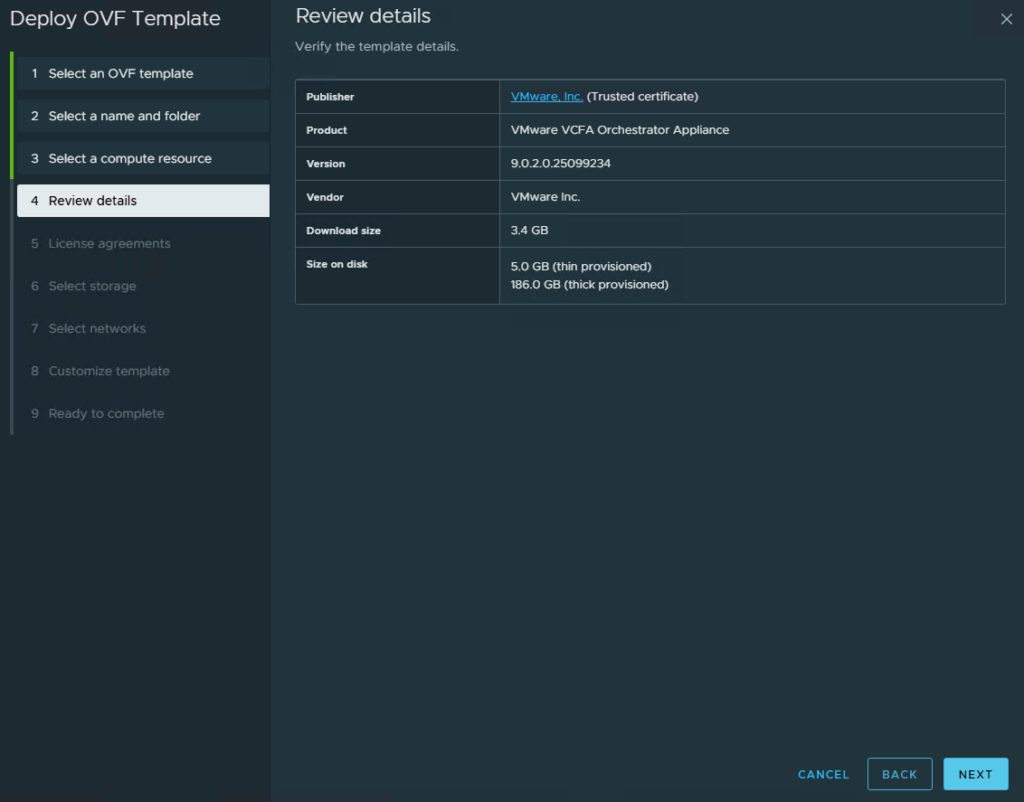
Review and make sure the initial information looks correct
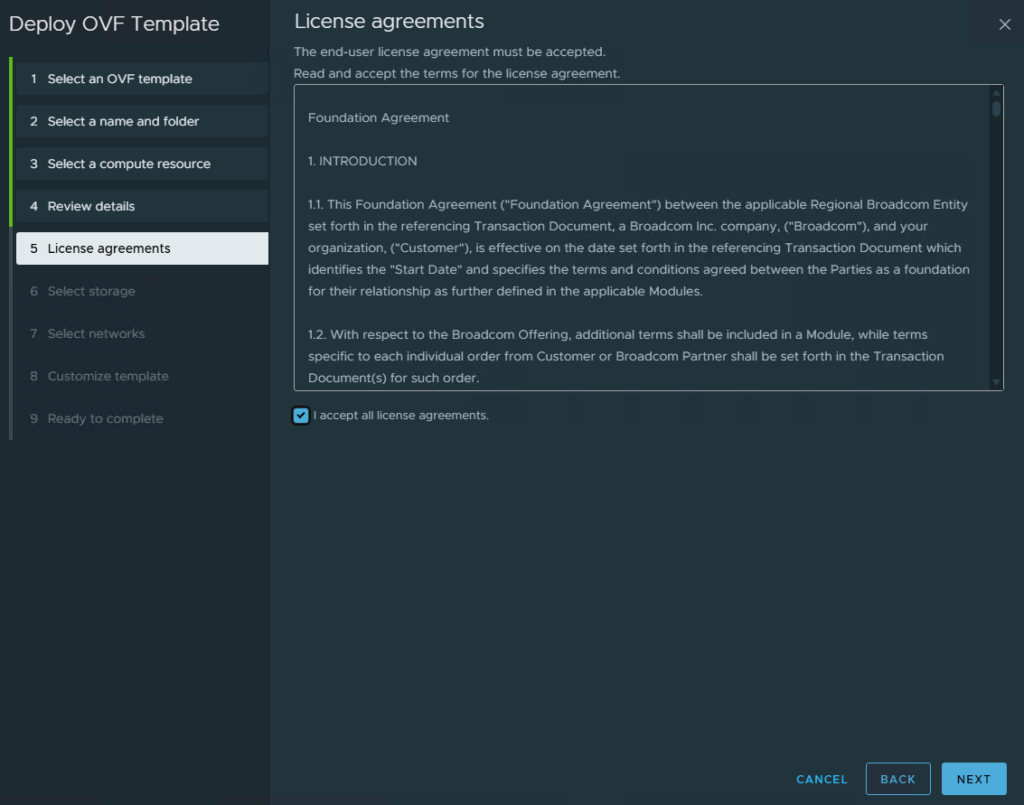
Review the license agreement and check the I Accept box if you agree to the terms. Click Next
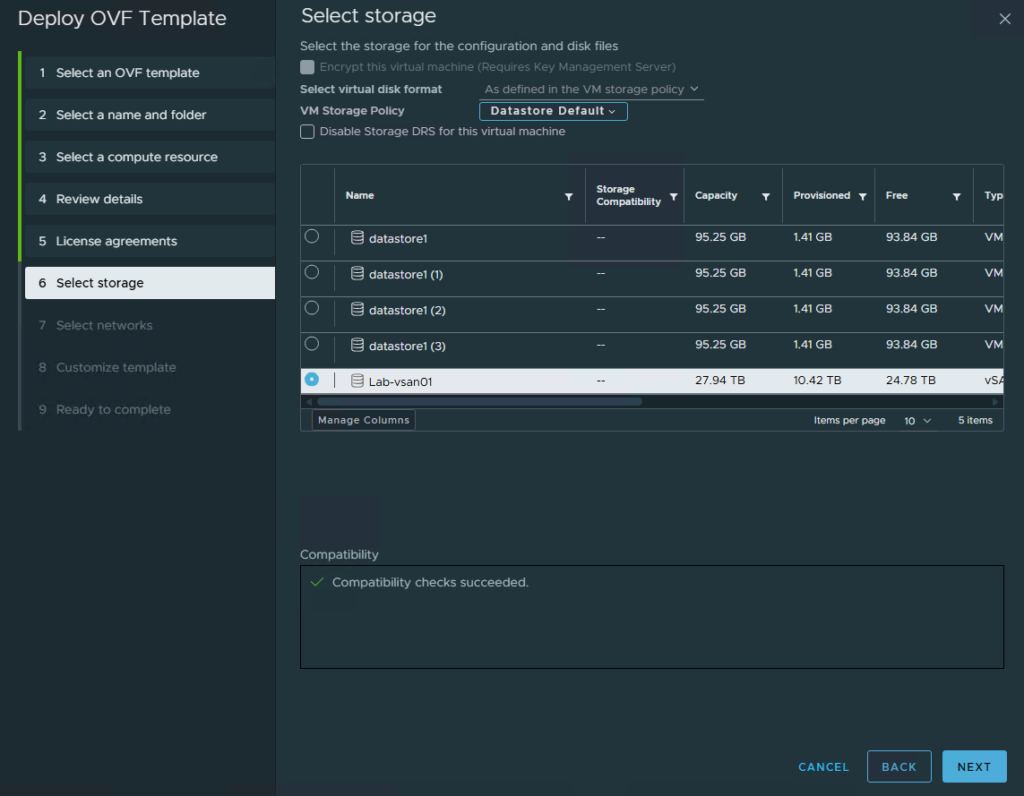
Select your datastore and click Next
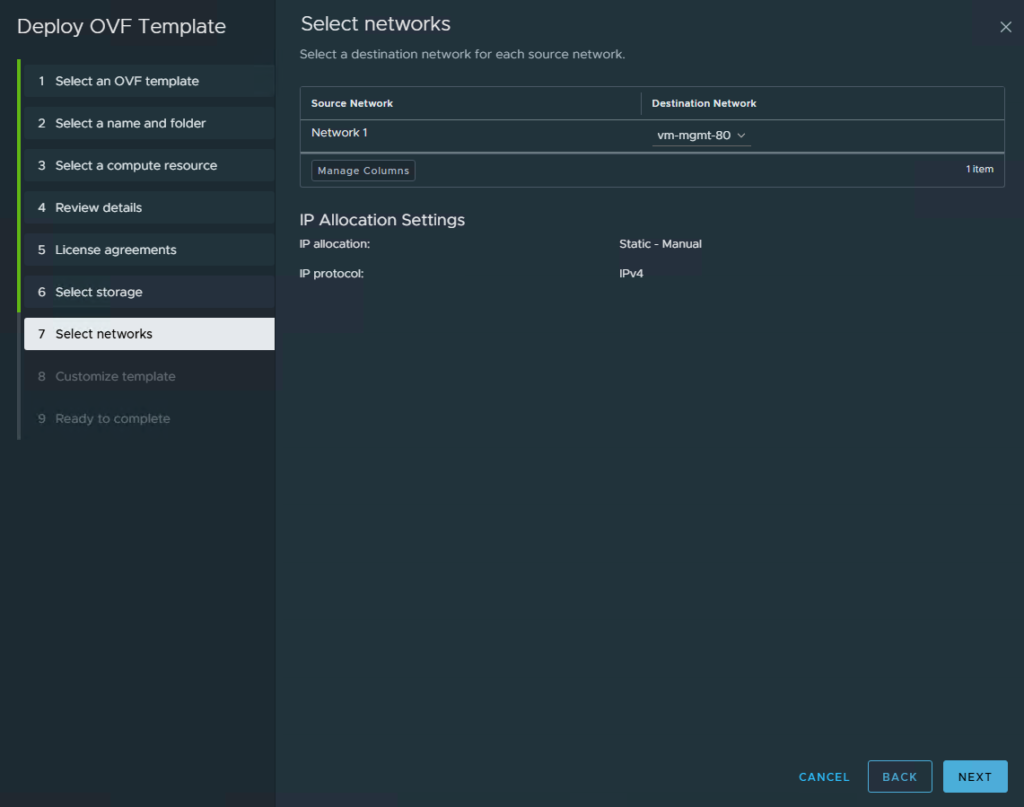
Choose your network and click Next
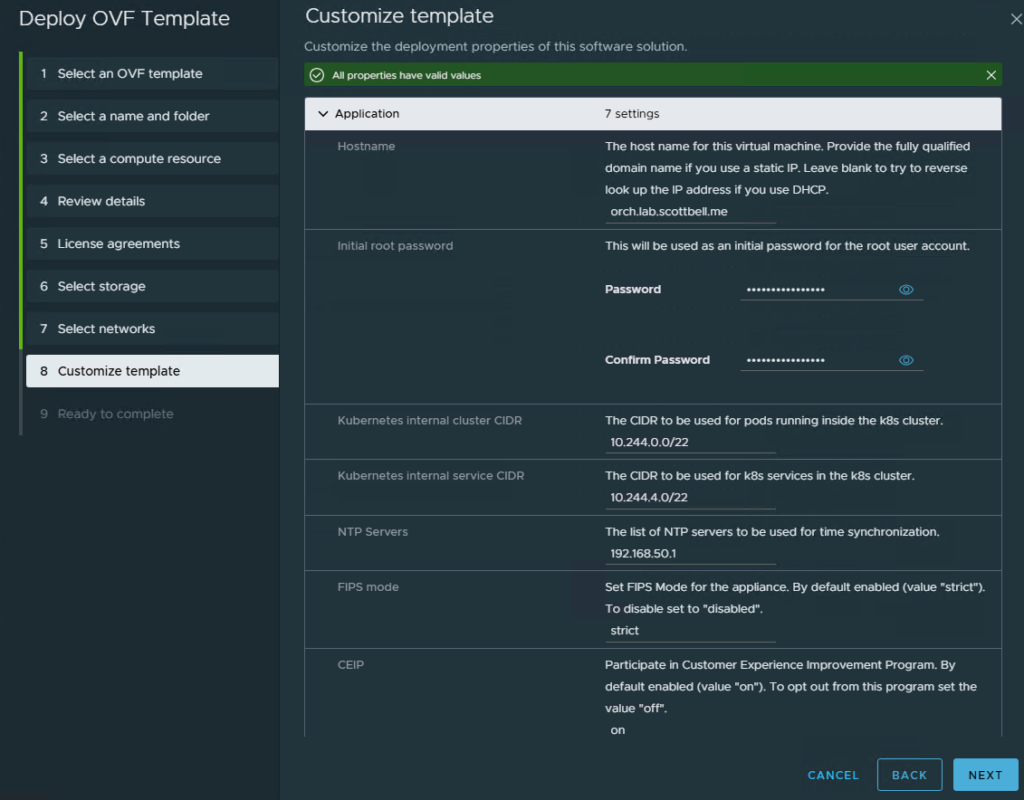
Enter the information requested such as Hostname, password, NTP, DNS, Domain, and IP. Click Next
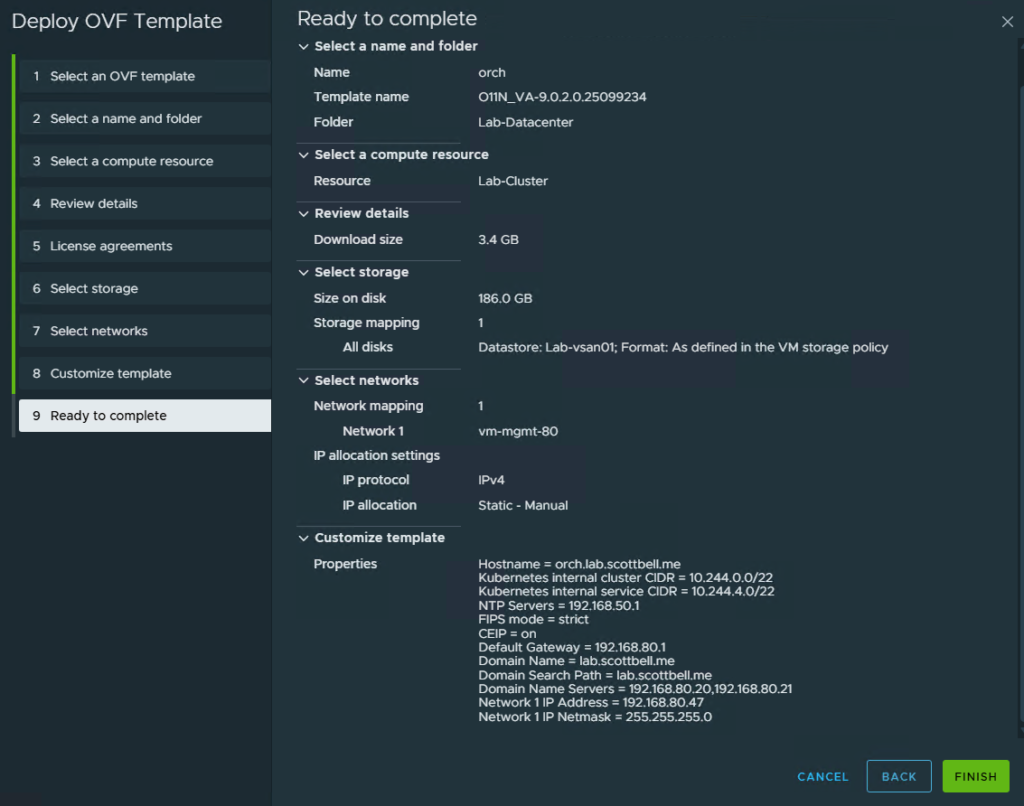
Review the information to make sure its correct, then click Finish to start the deployment

You will get a task for the deployment of the OVF

Task will show completed once the deployment has finished. Power on the VM and wait for about 5 – 10 minutes
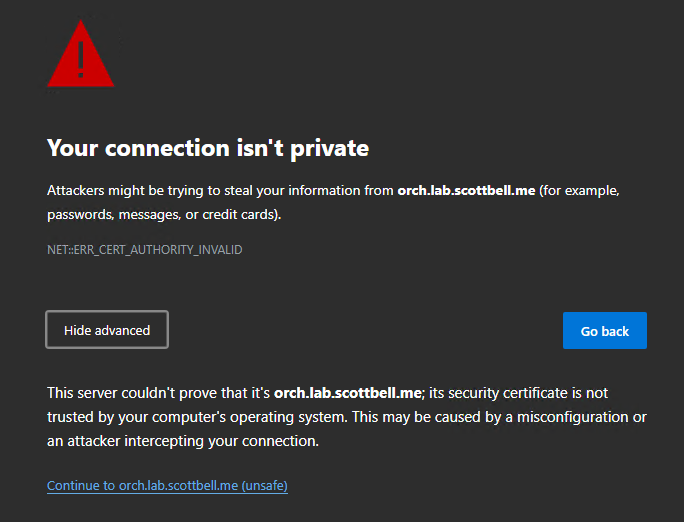
Navigate to the Orchestrator website and if you trust it, click Continue
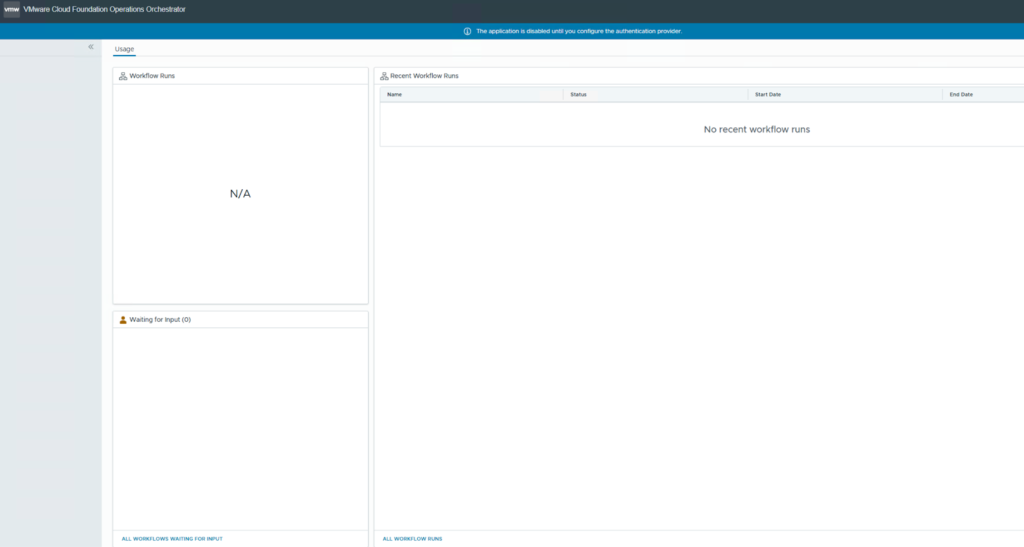
When accessing the webpage you get the message in the blue banner at the top that the application is disabled until the auth provider is configured. This is done via CLI
Note: An Organization will need to be created in VCF Automation before it can actually be linked
Home Lab, Homelab, VCF, VCF Orchestrator, VMware