Setup VCF SSO for Operations for Networks
August 17, 2026 | Homelab, VCF, VCF 9, VCF Ops for Networks, VMware, VMware SSO | No Comments
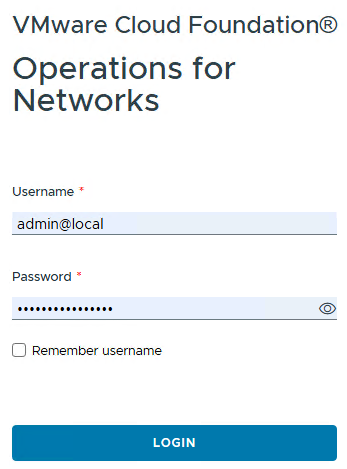
Login to Ops for Networks
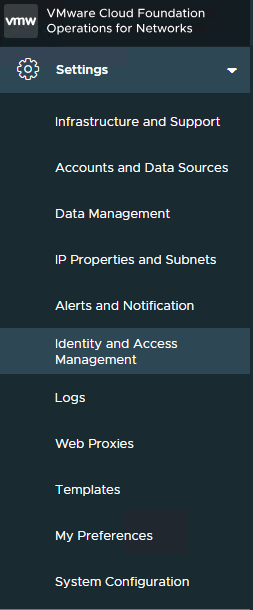
On the left, select Settings and then Identity and Access Management
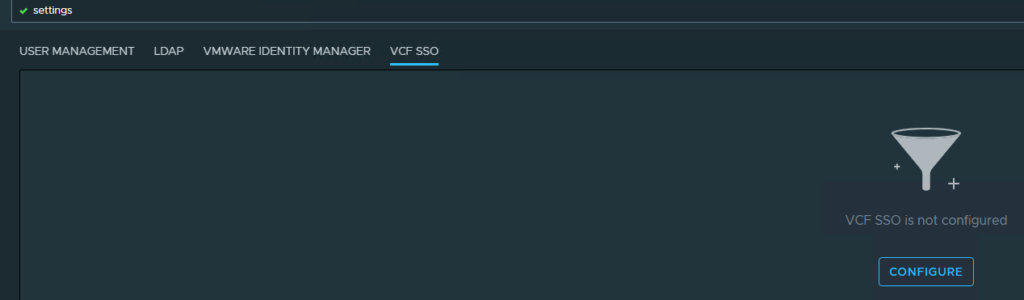
Select VCF SSO and then Configure
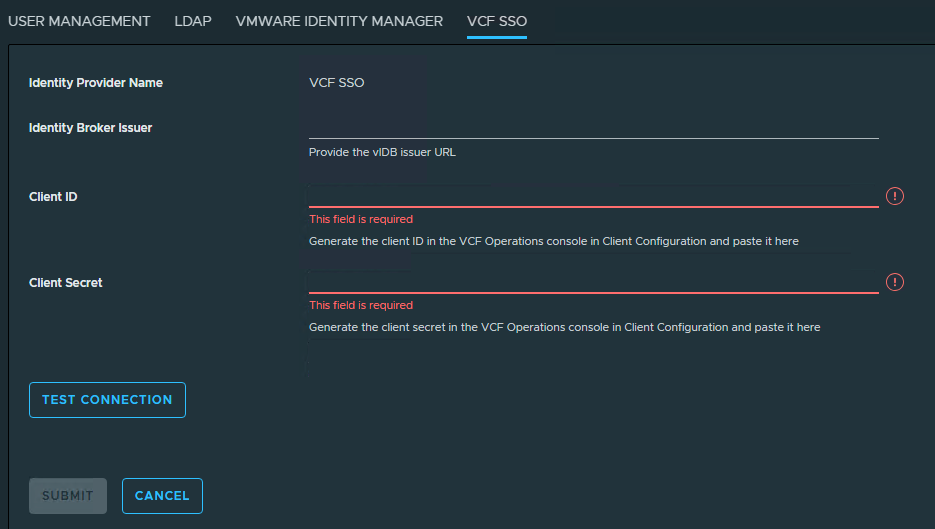
Now it’s time to go login to VCF Ops to setup the IDB for this
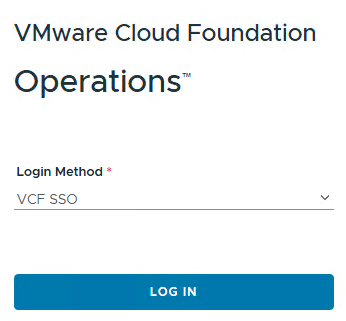
Login to VCF Operations
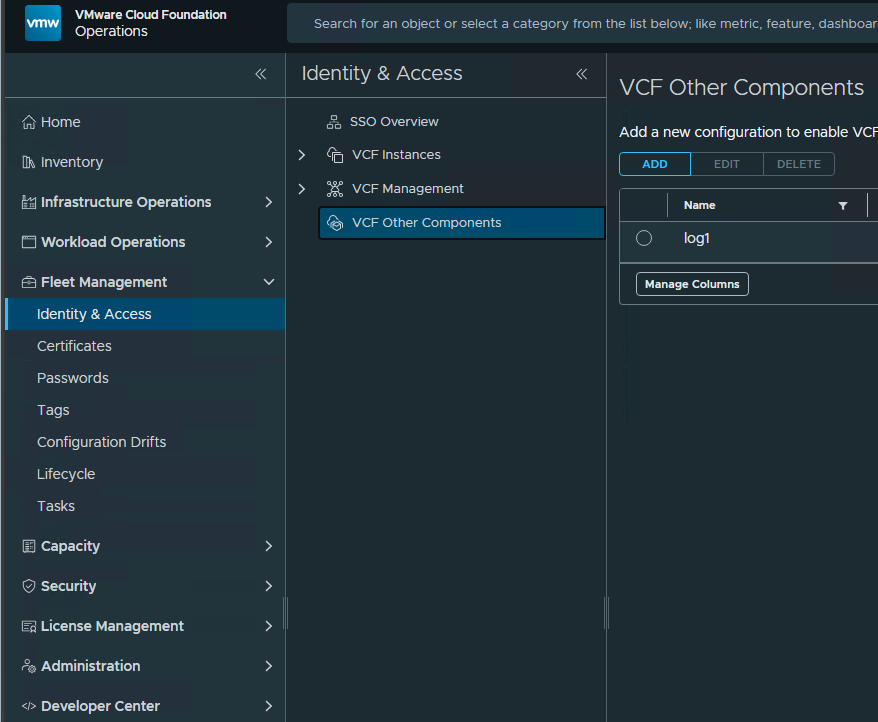
Navigate to Fleet Management, Identity & Access, VCF Other Components, and then click Add
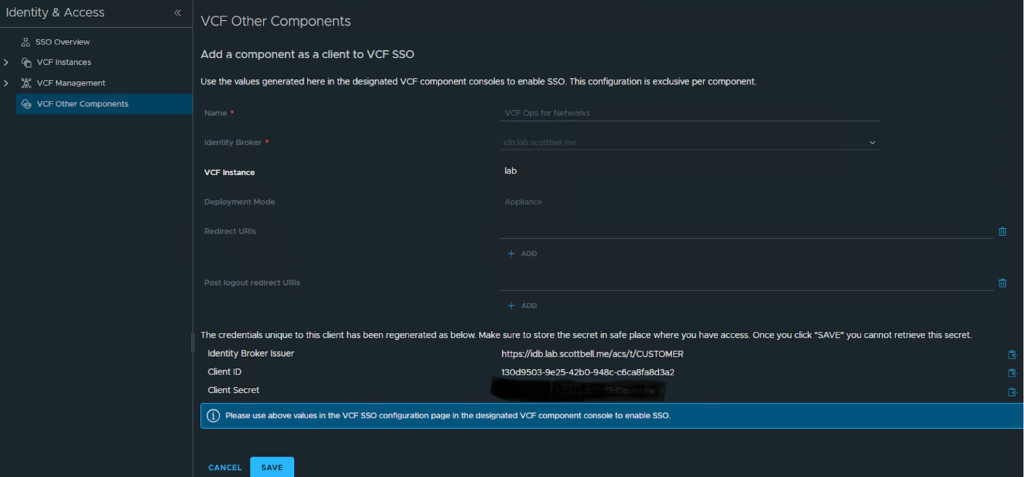
Copy the information back over to the VCF Ops for Networks page
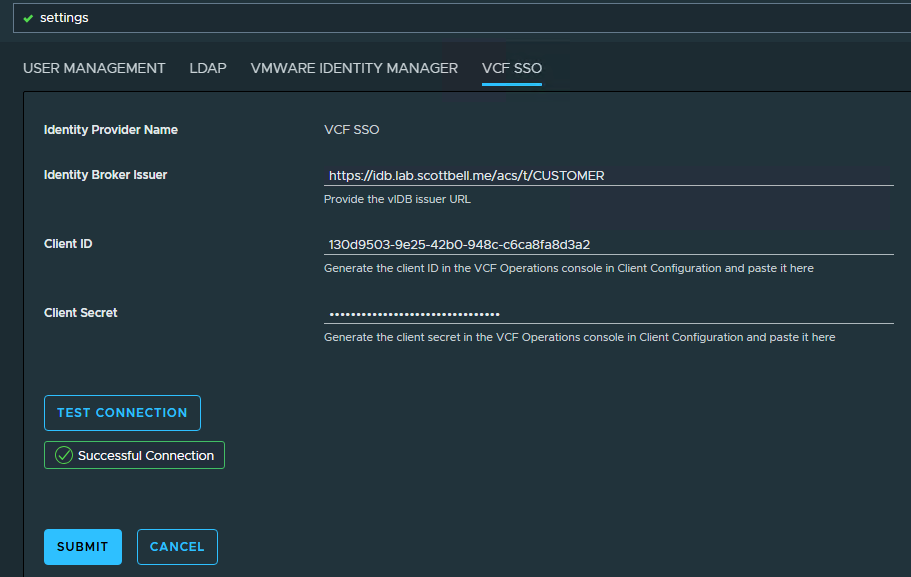
Enter the information and then test connection
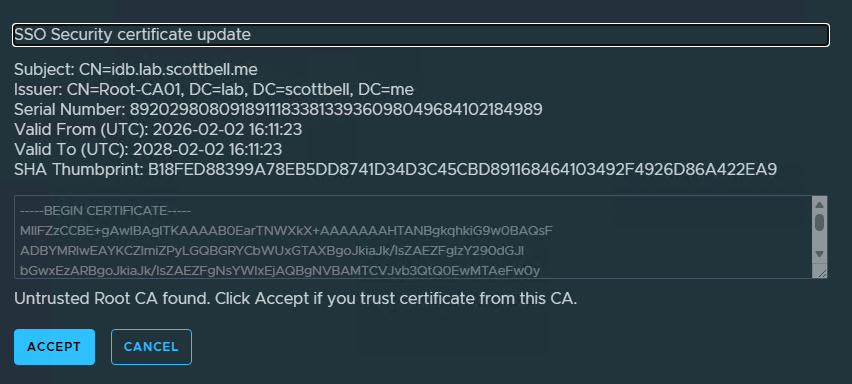
Accept the certificate if you trust the system
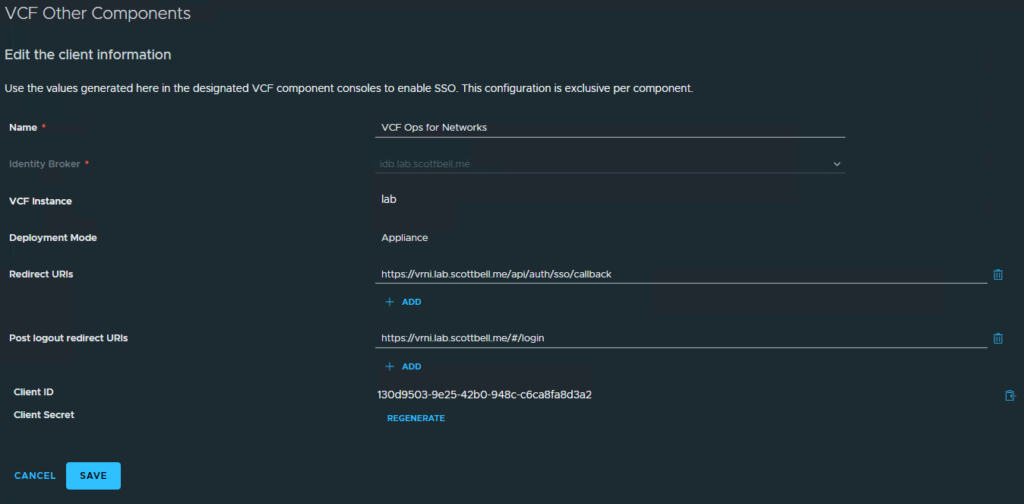
Make sure to go back to VCF Ops and save the configuration

Go back to User Management, select VCF SSO Users and then Add User\Group
Do the User\Group drop down and either type in a name, or use what might be pre-populated
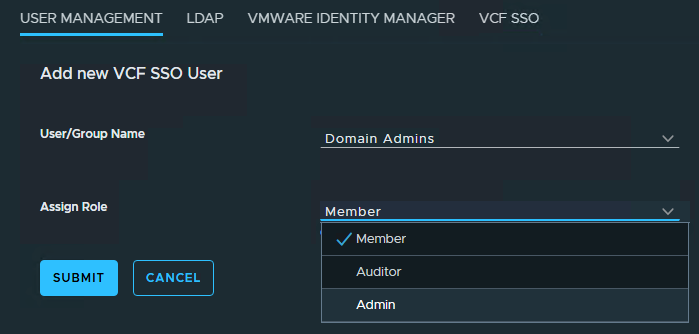
Choose the appropriate role for the group and click submit
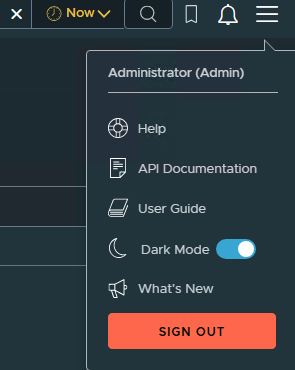
Select the hamburger menu in the upper right and click Sign Out
Login using VCF SSO
And now its successfully setup for SSO login
